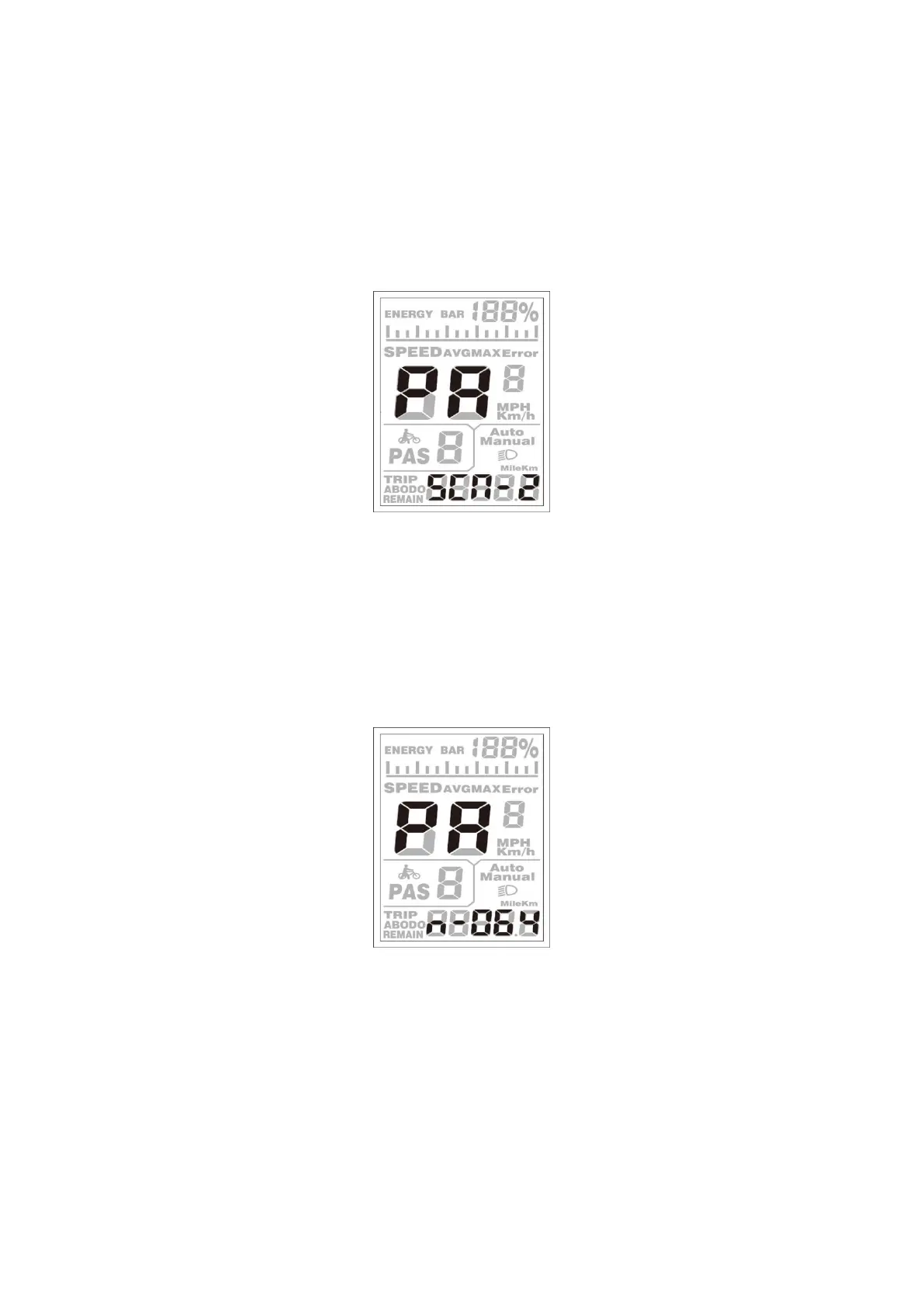
The Sensitivity of PAS Settings
SCN represents the sensitivity of PAS settings. The sensitivity value is “2” to “9”. “2” is the
strongest, and “9” is the weakest. The default value is “2”.
To change the sensitivity of PAS settings, press the [UP] or the [DOWN] button to select the
sensitivity value.
To store a changed setting, press the [MODE] button and then access magnet disk settings mode.
The Sensitivity of PAS Settings
◆Magnet Quantity Settings
n represents magnet numbers on the PAS disk. The default value is 064.
To change magnet numbers on the PAS disk, press the [UP] or the [DOWN] button to select the
quantity according to the PAS disk. The larger the value, the more obvious the pedal assist
feeling.
To store a changed setting, hold the [MODE] button and then return to the previous menu.
PAS Disk magnet number Settings


 To Next Page