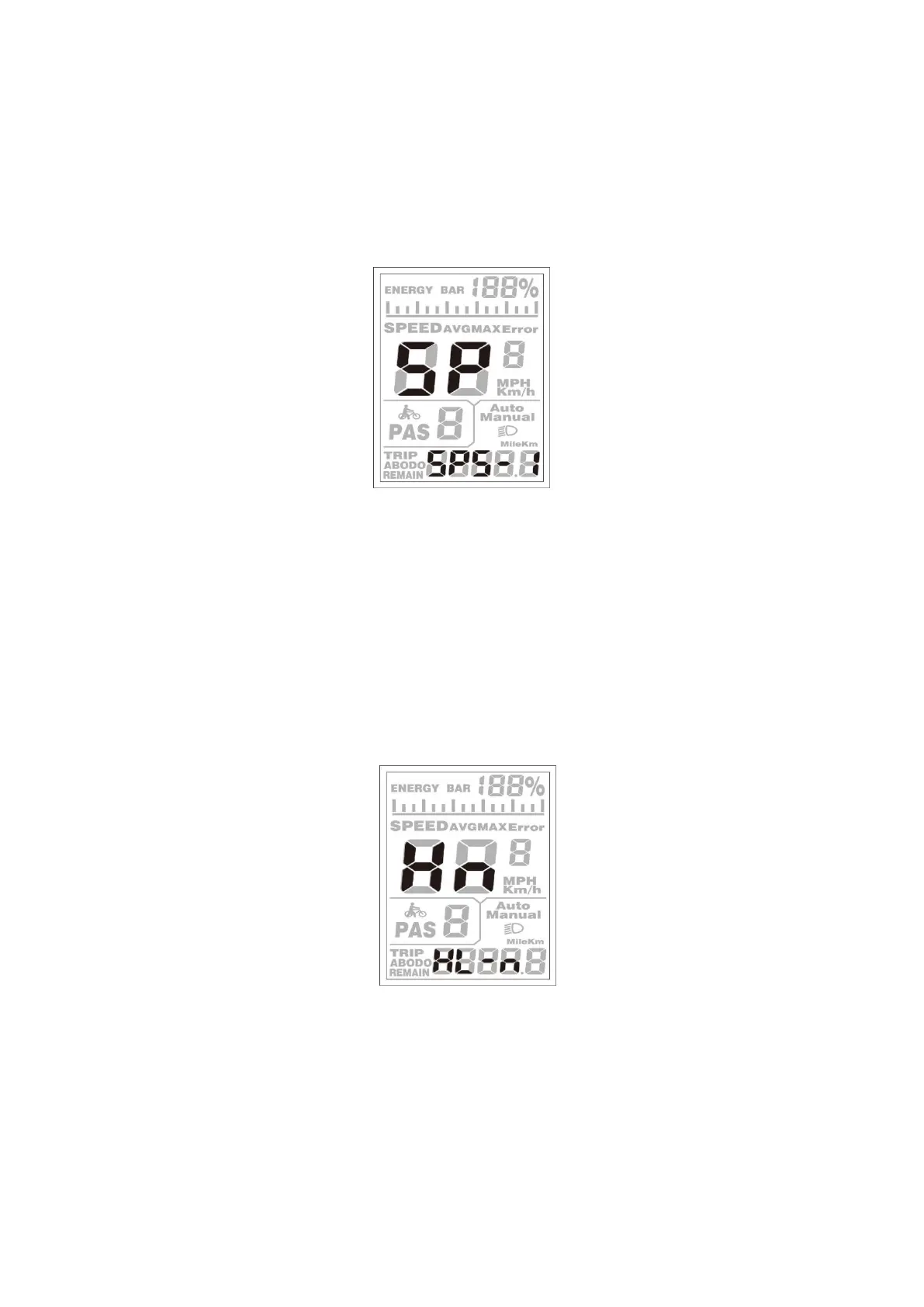
◆Speed Sensor (optional)
SPS represents speed sensor settings. The default value is 1
To change speed sensor settings, press the [UP] or the [DOWN] button to select the quantity of
magnet head on the wheel spoke (the range is from 1 to 9).
To store a changed setting, hold the [MODE] button and then return to the previous menu.
Speed Sensor Selection
◆Throttle Definition (optional)
Hnd, it refers to throttle function setting, including 2 sections: HL and HF
HL represents "throttle" setting, i.e. push-assistance by turning the throttle.
HL-n means throttle push-assistance function is disabled. HL-y means throttle push- assistance
function is enabled. The default value is HL-n. means throttle is disabled and will enter
Throttle-PAS setting. If Hl-y, then will return to the previous menu.
Throttle Enable/Disable Interface


 To Next Page