◆Assistance Level Settings (optional)
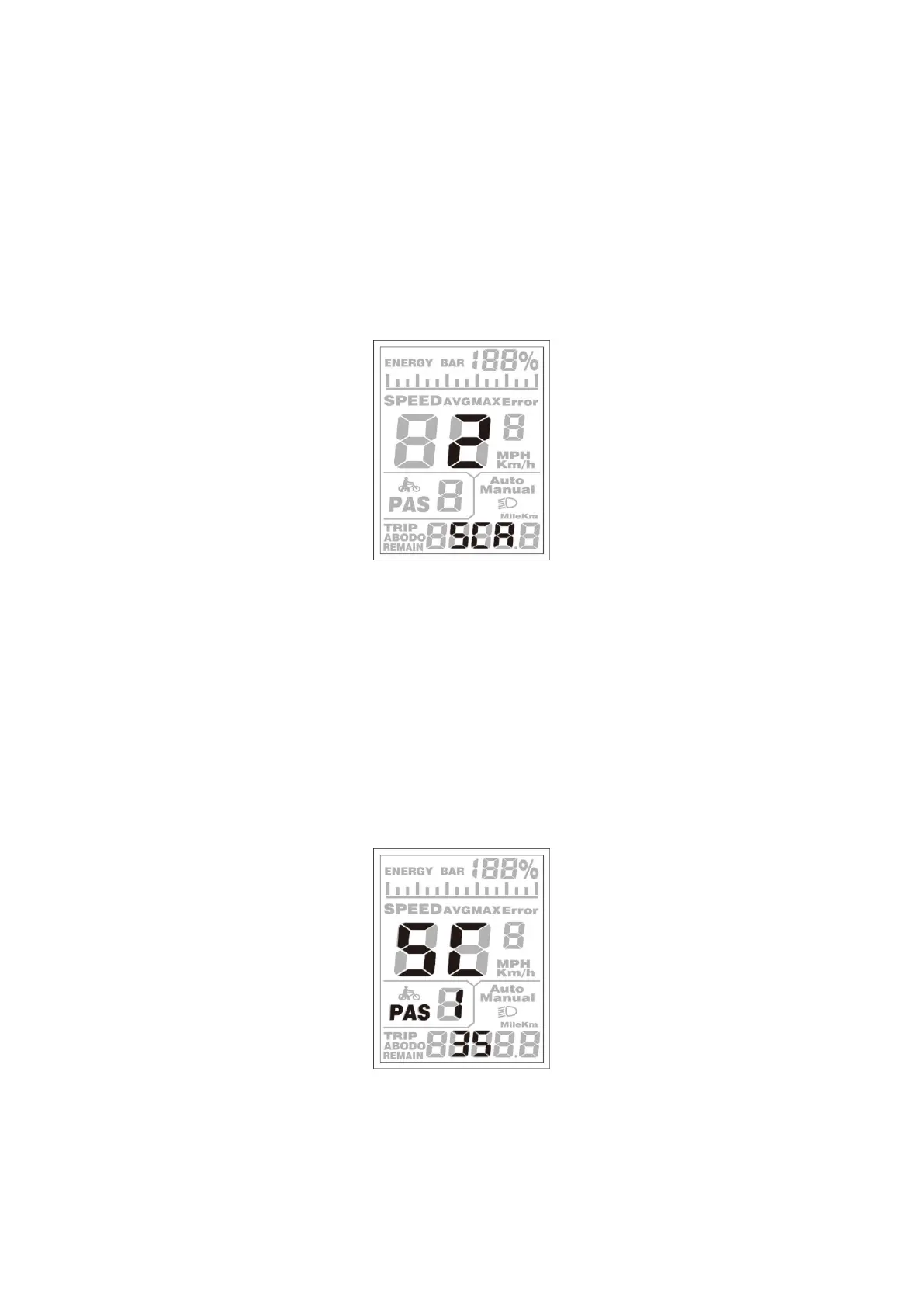
Assistance Level Option
In assistance level settings, there are 8 modes to select:0-3, 1-3, 0-5, 1-5, 0-7, 1-7, 0-9, and 1-9.
The default value is 0-5.
To change the mode of assistance level, press the [UP] or the [DOWN] button to choose the
desired mode, and then press the [MODE] button to confirm, then access the PAS ratio settings
page automatically.
PAS Mode Option Interface
PAS Ratio Settings
To modify the value of the PAS ratio, press the [UP] button or [DOWN] button to choose the
desired value, and then press the [MODE] button to confirm
For example, the range is “30-50 percent” for level “1”, the ratio value can be modified, and the
default value is 40 percent.
To store the modified setting, press the [MODE] button and move to the next PAS ratio settings.
After all, PAS ratios are input, hold the [MODE] button for 2 s to confirm and then return to the
previous menu.
PAS Ratio Interface


 To Next Page