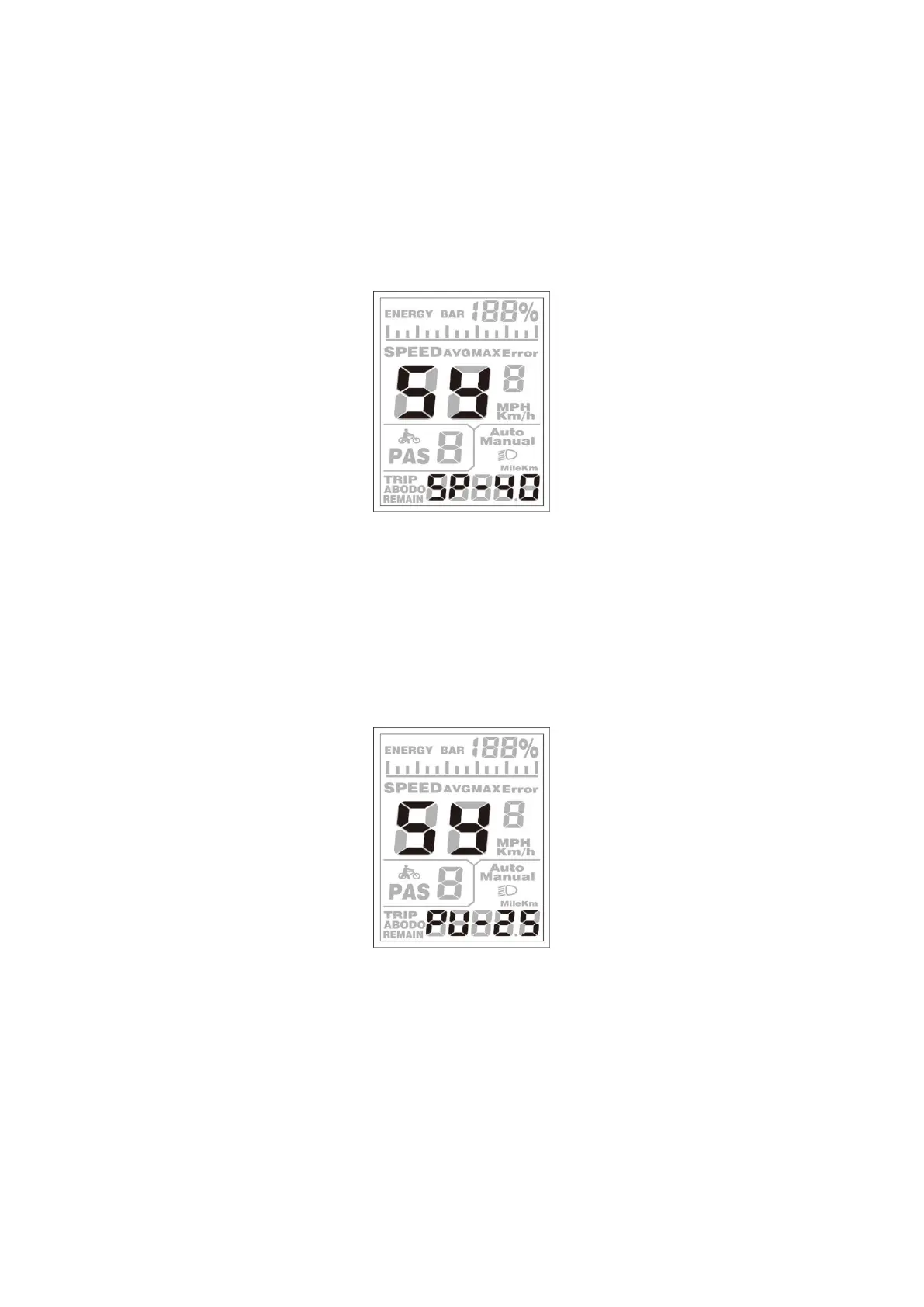
◆Button Push-assistance Enable/Disable
PUS represents button push-assistance settings. Y represents button push is enabled, and N
represents button push is disabled. The default value is Y.
To change button push-assistance settings, press the [UP] or the [DOWN] button to choose Y or
N.
To store a changed setting, press the [MODE] button and then access PAS speed settings.
Interface of Push-assistance
◆Push-assistance Speed Settings
To change PAS speed settings, press the [UP] or the [DOWN] button to adjust from 20% to 35%.
To store a modified setting, press the [MODE] button and then access slowly start up.
The default value is 25%
Interface of PAS Speed Settings


 To Next Page