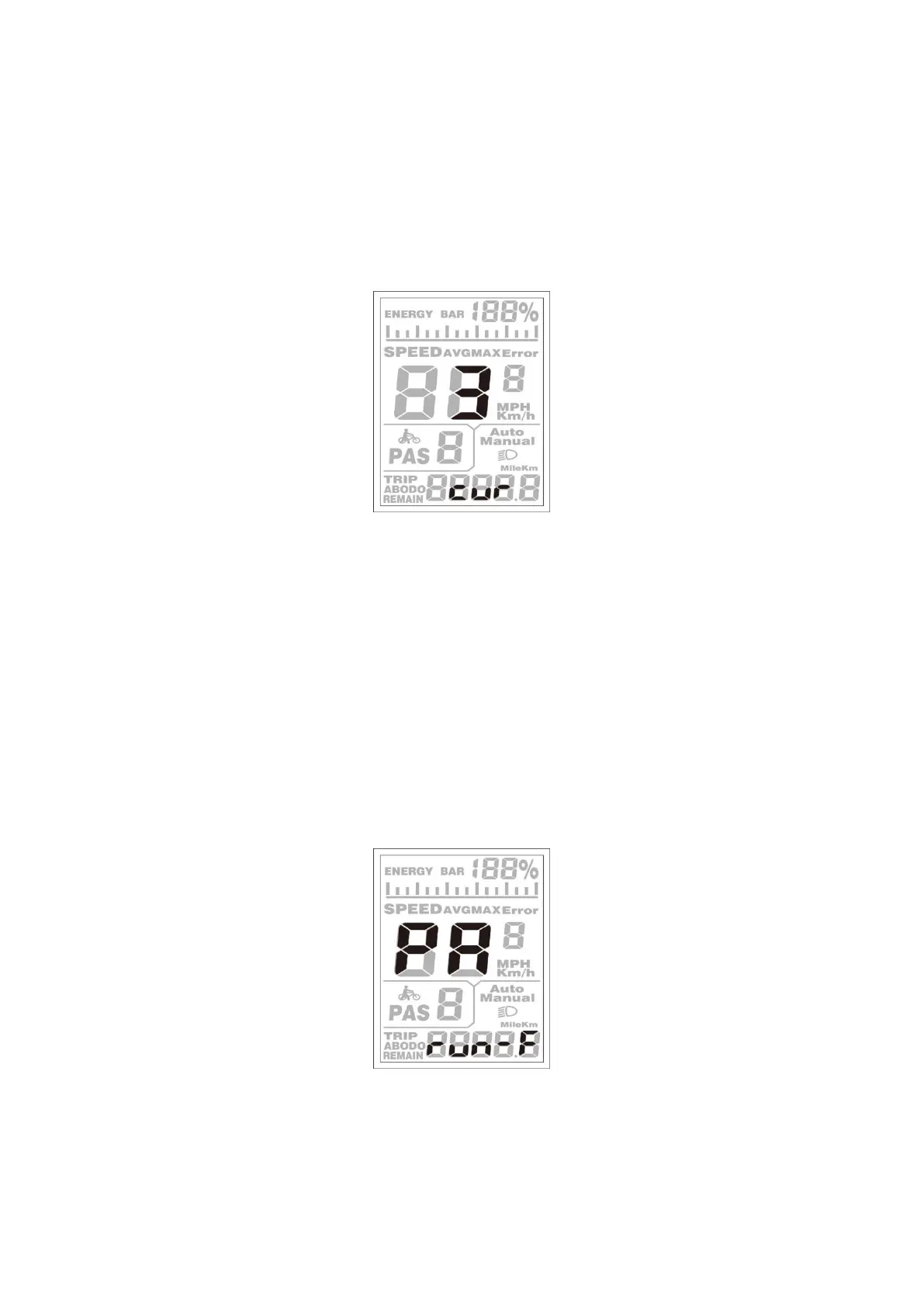
◆Controller Over-current Cut Settings (optional)
CUR represents controller over-current cut settings. CUR value can be changed from 7.0A to
18.0A. The default value is 15A.
To change basic settings, press the [UP] or the [DOWN] button to increase or decrease the value
of the current.
To store a changed setting, hold the [MODE] button and then return to the previous menu.
CUR Settings Interface
◆Power Assistant Sensor Settings (optional)
The Direction of PAS Settings
PAS represents power assistant sensor settings. “run-F” means forward direction, while “run-b”
means backward direction. The default value is “run-F”.
To change The Direction of the Power Assistant Sensor Settings, press the [UP] or the [DOWN]
button to select F or b.
To store a changed setting, press the [MODE] button and then access the settings mode of PAS
sensitivity.
Direction of PAS Sensor Settings


 To Next Page