7
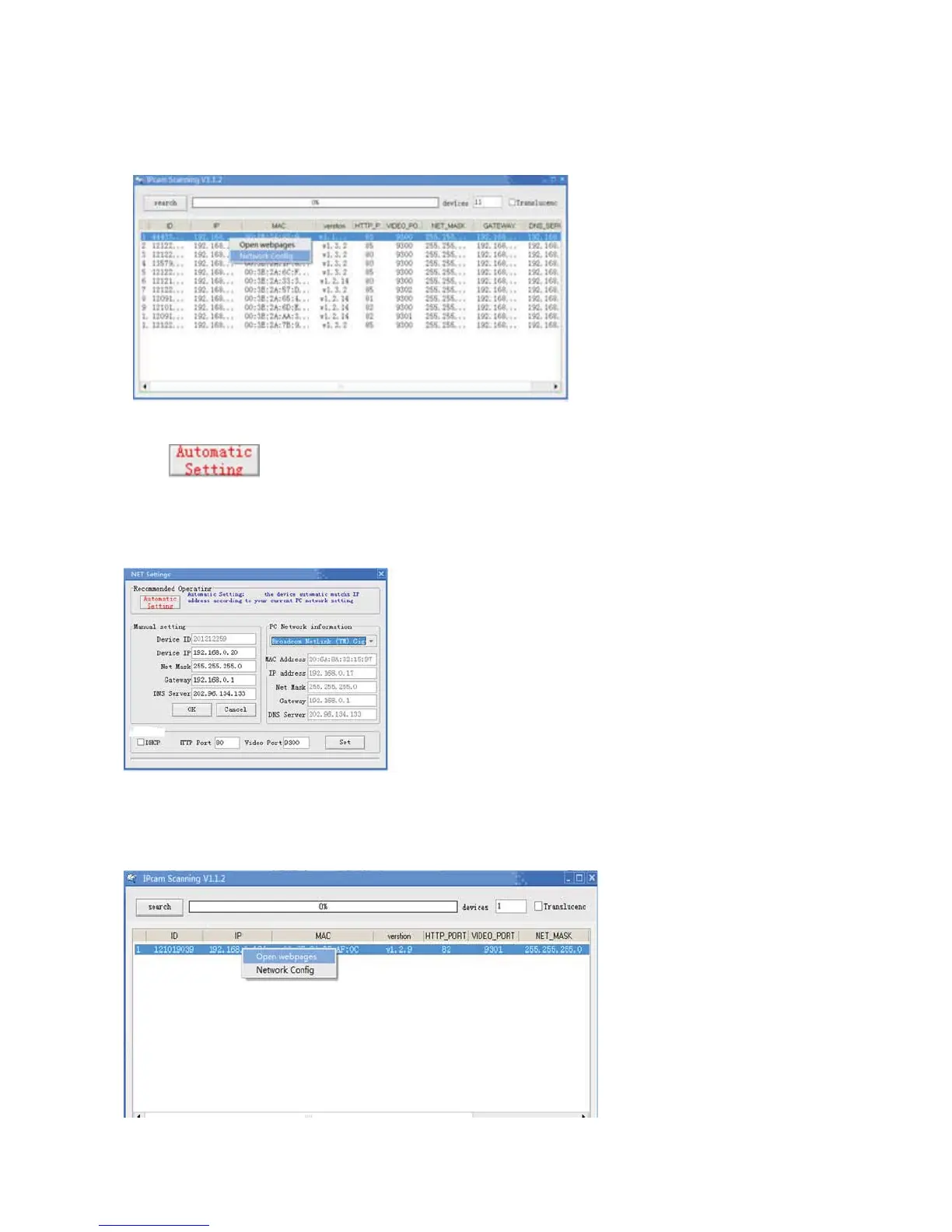
Select IP camera, i.e.: the IP camera with IP 192.168.0.150, Right Click the IP, select
“NetworkConfig”
Click
“Automatic setting”button,devicewillsetnetworkparameters
automatically,anditwillgiveaclueonceitsetssuccessfully,thenpleaseclosethesetting
windowlikebelow
WhenthesettingisalreadyOK,RightClickDeviceIPtoopenWebpagelikebelow
Gotologinwindowasfollows



 To Next Page