20
Troubleshooting
If you experience any of the following difculties while using the system, use this troubleshooting guide to help
remedy the problem before requesting servicing. Should any problem persist, consult your nearest authorized dealer
or authorized independent company.
If the unit does not operate normally due to external inuence such as static electricity, disconnect the power plug
from the outlet and insert again to return to normal operating conditions.
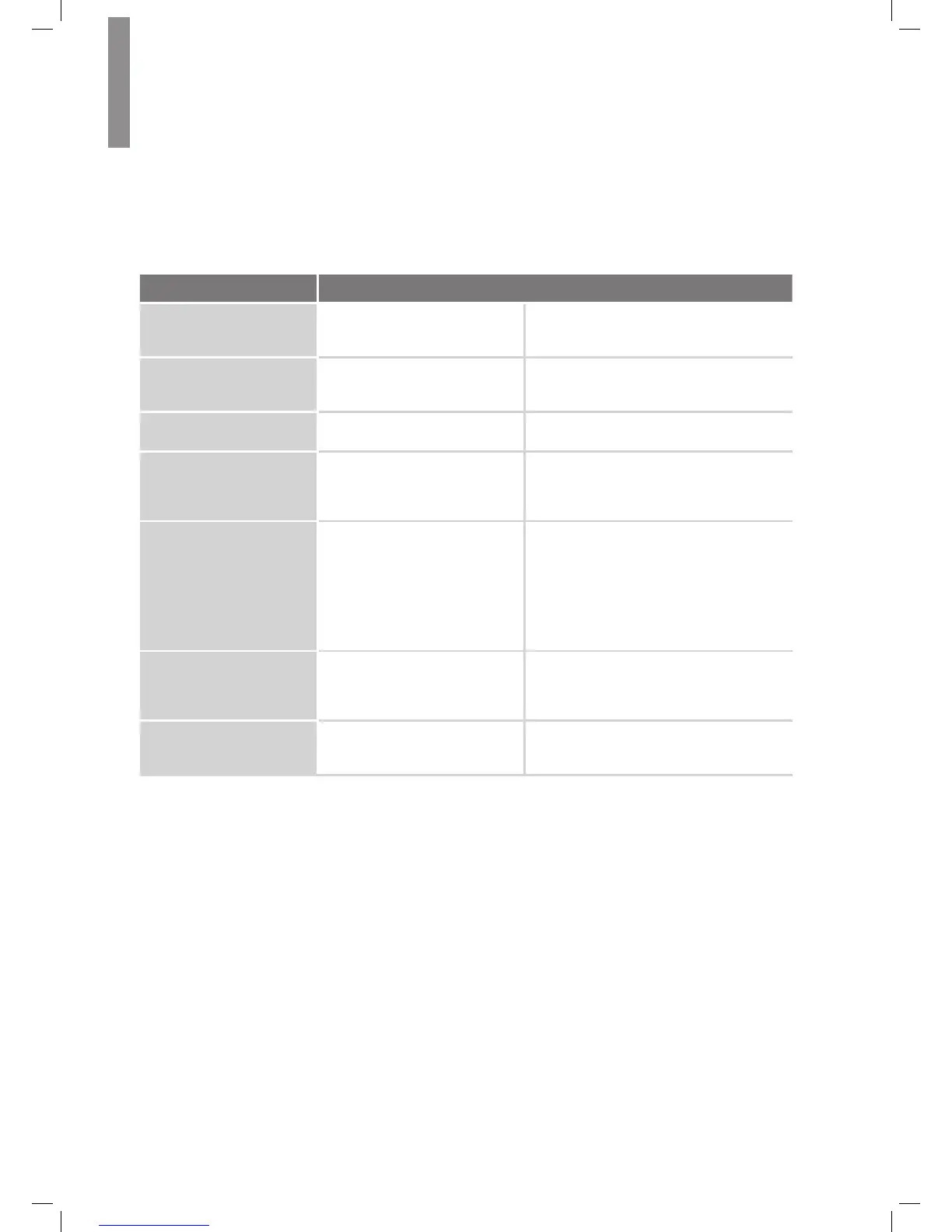
Symptom Cause Solution
Unit does not function when
Main Power switch is turned
on.
•
No AC power.
•
Ensure that the power cord is plugged into
a live AC power outlet.
Front-panel Message display
lights, but there's no sound
or picture.
•
Intermittent input connection.
•
Mute is on.
•
Volume control is turned down.
•
Secure all input and speaker connections
•
Press Mute button.
•
Turn up Volume control.
No sound from any speaker.
•
Speakers set to “Off” in System
Setup menu.
•
Set speakers to “On” in System Setup
menu. See page 14, for more information.
No sound from any speaker;
PROTECT message appears
on Message display.
•
Amplier is in protection mode
due to possible short circuit.
•
Amplier is in protection mode
due to internal problems.
•
Check all speaker wires at speaker and
AVR connections for crossed wires.
•
Contact your local service center.
No sound from center or
surround speakers.
•
Incorrect surround mode.
•
Program material is
monophonic.
•
Incorrect speaker conguration.
•
Program material is stereo.
•
Select a surround mode other than stereo.
•
Mono programs contain no surround
information.
•
Check the speaker conguration in the
setup menu.
•
The surround decoder may not create
center- or surround-channel information
from non-encoded stereo programs.
Unit does not respond to
remote control commands.
•
Weak batteries in remote.
•
AVR not selected.
•
Remote sensor is obscured.
•
Change batteries in remote.
•
Press the Setup/AVR button.
•
Ensure that the AVR’s front-panel remote
sensor is in the line of sight of the remote.
Intermittent buzzing in tuner.
•
Local interference.
•
Move the AVR or antenna away from
computers, uorescent lights, motors or
other electrical appliances.



 To Next Page