7
Press [Enter].
[press] becomes ready to accept input.
8
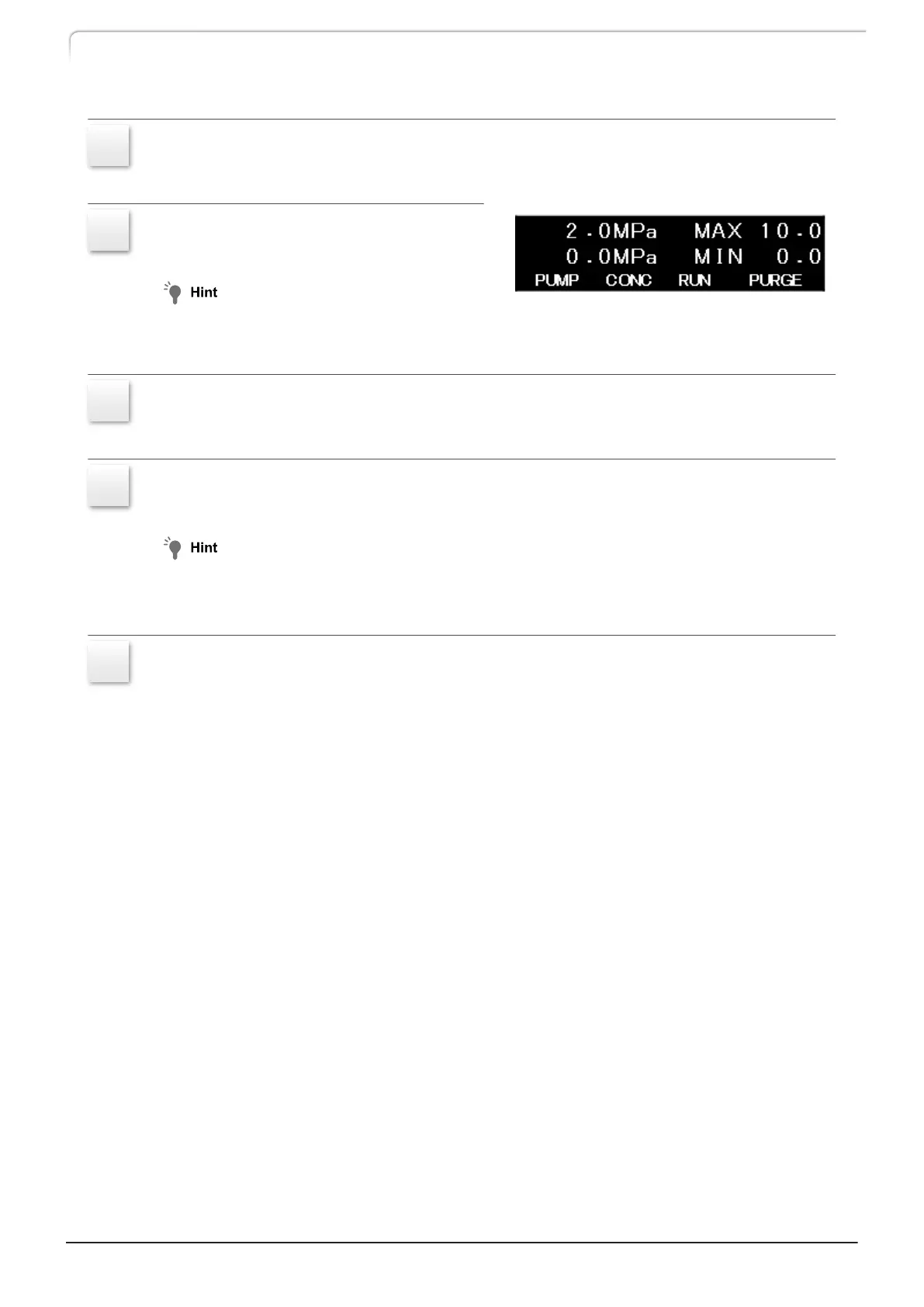
Set the pressure with the numeric
keypad.
To set 2.0 MPa, press [2], [ . ], [0] and
[Enter].
9
Press [PUMP], and then [ENTER].
[PUMP] on the display is highlighted and the pump starts operation.
10
Observe that the pump outlet pressure rises and pressure display stabilizes at
about 2.0 MPa.
While monitoring the pressure, increase the flow rate until the pressure reaches the set
value. If increasing the flow rate does not increase the pressure, stop increasing the flow
rate at 1 mL/min.
11
To stop operation, press [PUMP], and then [ENTER].
[PUMP] on the display stops being highlighted and the pump stops operation.
22
LC-40D X3 CL LC-40D XR CL
3 Operation



 To Next Page
 Loading...