-39-
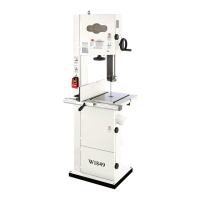
Model W1849 (For Machines Mfd. Since 11/16)
SETUP
Aligning Table
To ensure cutting accuracy, the table should be aligned
so that the miter slot is parallel to the bandsaw blade,
and that the table is perpendicular (front to back) to
the blade. These procedures work best with a wide (
3
⁄4")
blade installed.
Tools Needed Qty
Straightedge .....................................................1
Fine Ruler ........................................................1
Square ............................................................1
Open-End Wrench or Socket 13mm ..........................1
Adjusting Miter Slot Parallelism
1. Make sure blade is tracking properly and that it is
correctly tensioned (refer to Pages 27–28).
2. DISCONNECT MACHINE FROM POWER!
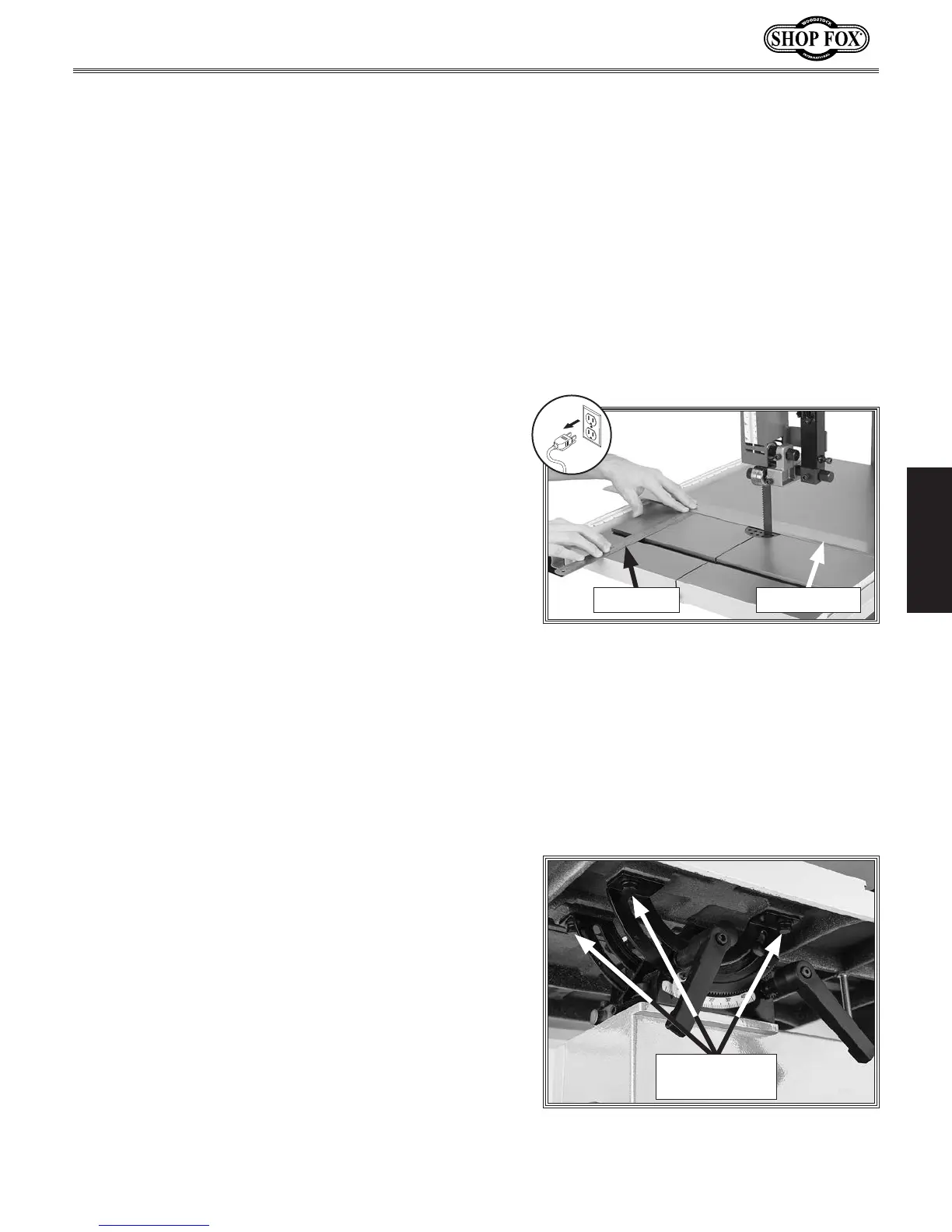
3. Place an accurate straightedge along blade so that it
lightly touches both front and back of blade without
going across a tooth (see Figure 58).
4. Use a fine ruler to measure distance between
straightedge and miter slot (see Figure 58). Distance
should be the same at front and back of table.
— If the distance is the same at the front and back
of the table, no adjustment is necessary; proceed
to Adjusting Table Perpendicular to Blade on
Page 40.
— If the distance is not the same at the front and
back of the table, it must be adjusted; proceed to
Step 5.
5. Loosen trunnion bolts that secure table (see
Figure 59).
Figure 58. Checking miter slot parallelism.
Straightedge
Fine Ruler
6. Adjust table until distance between straightedge and
miter slot is the same at front and back of table.
7. Retighten trunnion bolts, then repeat Step 4 to
verify adjustment.
Figure 59. Location of trunnion bolts.
Trunnion Bolts
(3 of 4)


 To Next Page