EasyManua.ls Logo

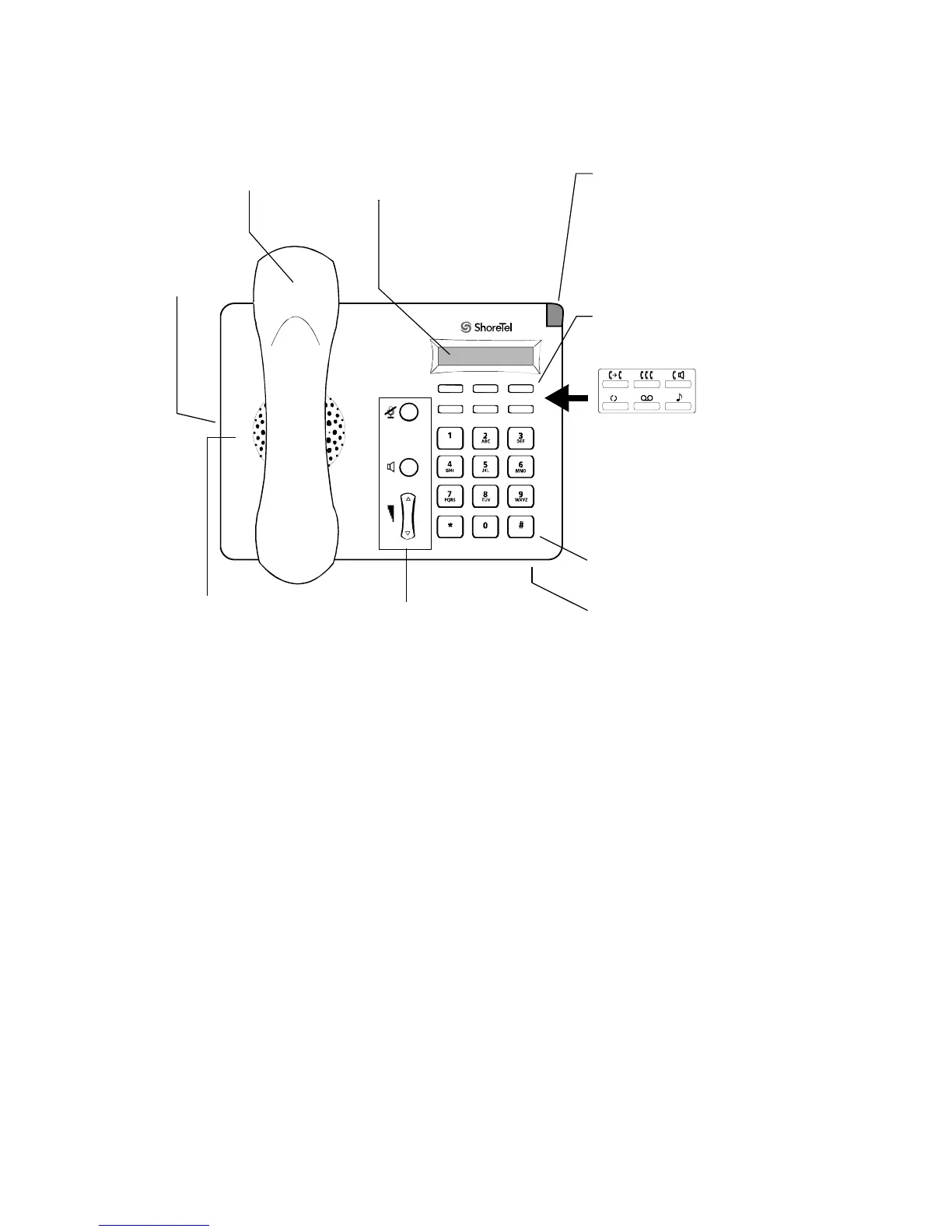
ShoreTel 115 - Getting Started with Your ShoreTel IP Phone; ShoreTel 115 IP Phone Components

ShoreTel 115
22 pages
Print Icon
To Next Page IconTo Next Page
To Previous Page IconTo Previous Page
Loading...
5
GETTING STARTED
Welcome to your ShoreTel™ IP phone!
Redial
Inte rco m
Confe renc e
Voice Mai l
Transfe r
Hold
115
Handset
LCD Display
1 x 16 characters
Indicator LED
Flashing light
alerts user to
incoming calls and
unheard voice
messages.
Function Keys
Perform core
telephony functions.
Audio Control Keys
Mute and Speakerphone
keys illuminate when
active. Volume button
controls handset, speaker
and ring volume.
Speaker
Can be used as
speakerphone.
Dial Pad
Vinyl overlay imprinted
with international symbols.
Function Keys overlay
Handset
Jack
Microphone

Other manuals for ShoreTel 115

Related product manuals