Shure Incorporated
38/76
Reboot Device:In the web application (settings > factory reset), there is a Reboot Device button, which simply
powercycles the device as if it were unplugged from the network. All settings are retained when the device is re
booted.
Default Settings: To revert audio settings back to the factory configuration (excluding Device Name, IP Settings,
and Passwords), select Load Preset and choose the default settings preset.
Low-cut Filter
The low-cut filter rolls off low frequencies to reduce unwanted noise from sources such as table vibrations, HVAC
systems, and other environmental noise.
To enable, open the web application and select the low-cut filter button in the device options section.
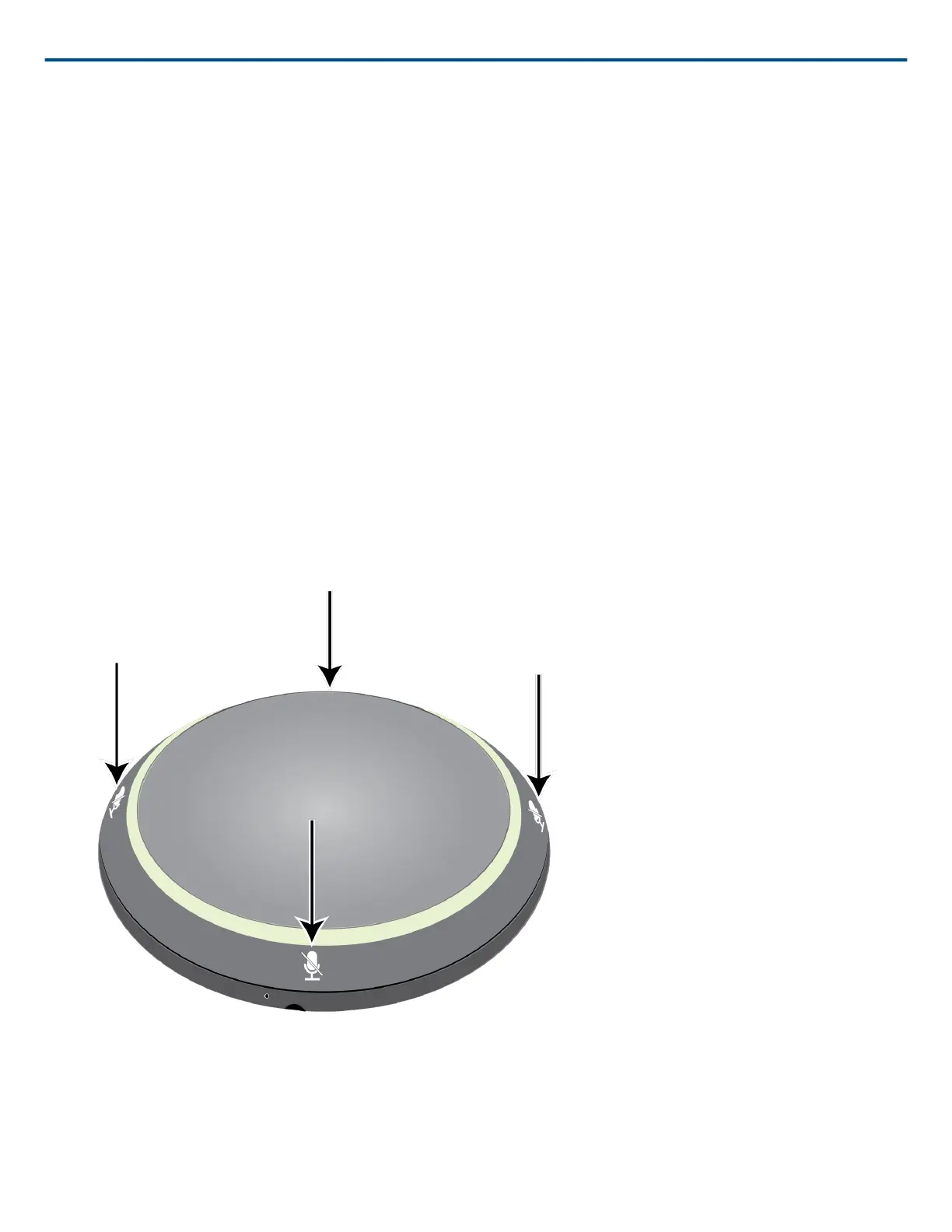
Mute Buttons
Four touch-sensitive mute buttons are indicated by the mute icons around the edge of the microphone. Pressing
any of these buttons mutes the entire device. In the web application, channels can be muted individually. If the
Light Ring is set to display Segments, the individual channel mutes are visible on the device. If it is set to Ring, the
Light Ring only displays the device mute status.
To configure button properties through the web application, go to mic configuration>Button Control>Button Proper
ties.












 To Next Page