Shure Incorporated
18/76
On = network link established
Flashing = network link active
⑤ Network Speed LED (Amber)
Off = 10/100 Mbps
On = 1 Gbps
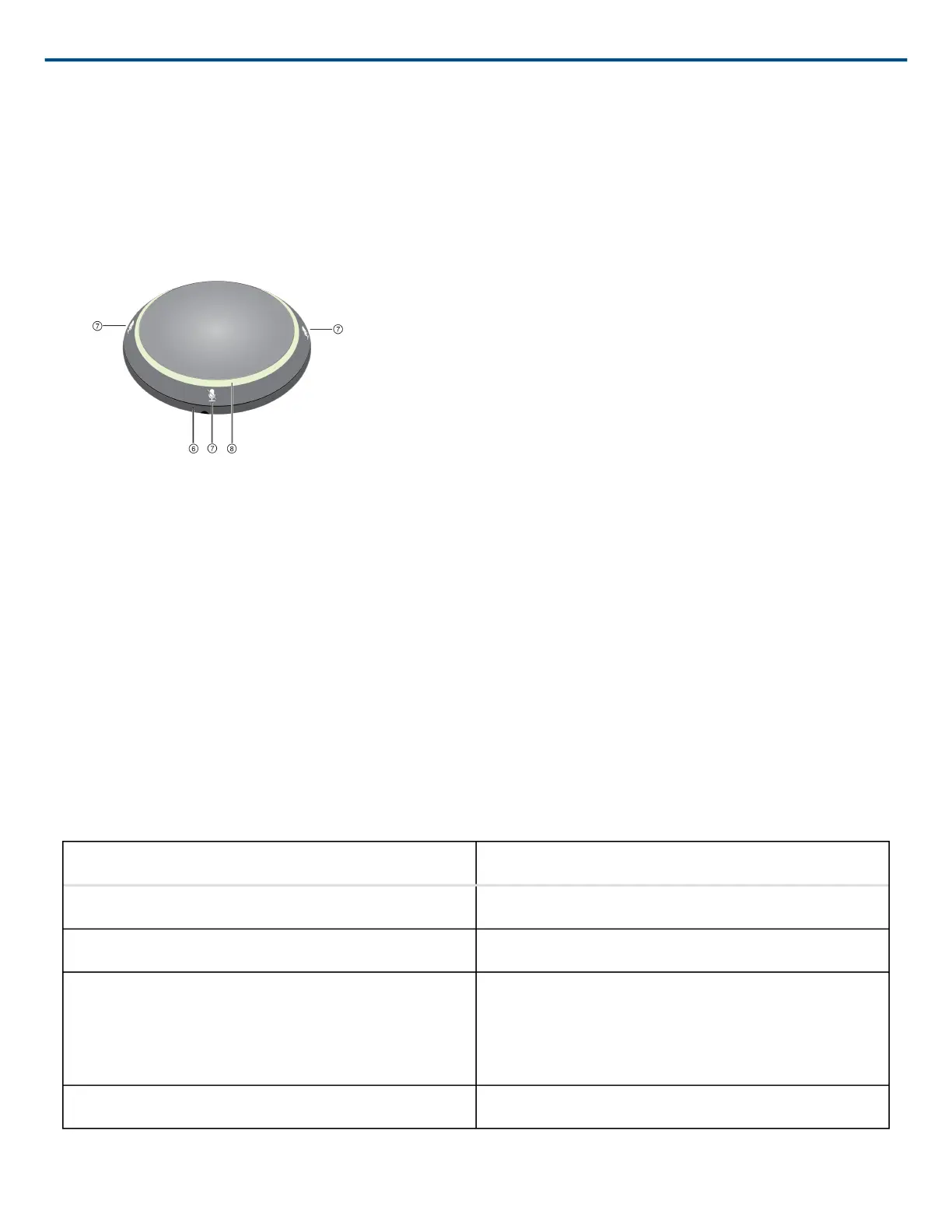
⑥ Reset Button
Use a paperclip or similar tool to push the reset button.
⑦ Mute Buttons
Four touch-sensitive buttons control the mute status for each channel.
⑧ LED Light Ring
Indicates mute status, with configurable color and behavior states.
LED Light Ring
Custom LED light ring settings are configured in the web application, under mic configuration > Light Bar.
Default Settings
Microphone Status LED Behavior / Color
Active Green (solid)
Mute Red (solid)
Hardware identification Green (flashing)
Device identify: entire light ring
Channel identify: light ring segment
Firmware update in progress Green (ring fills up, turns off, repeats)












 To Next Page