Shure Incorporated
10/38
•
•
•
◦
◦
•
◦
◦
What's in the Box
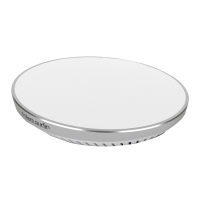
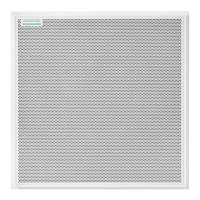
Square array microphone with loudspeaker MXA902-S or MXA902-S-60CM
Hardware kit with:
Cable ties (8)
Strain relief tabs (3)
Rubber pad set
90A49117
Reset Button
The reset button is behind the grille with a silkscreened circle around it. To push it, use a paper clip or other tool. You can also
reset the device using the control software.
Reset Modes
Network reset (press for 4-8 seconds): Resets all Shure control and audio network IP settings to factory defaults. Red
LED along bar.
Full factory reset (press for more than 8 seconds): Resets all network and configuration settings to the factory defaults.
Multicolor flash, then blue LED along bar.
MXA902 Control Software
There are 2 ways to control the MXA902:
Use Shure Designer software (download at shure.com/designer)
Control all Shure devices in one place.
Route audio to and from Shure devices.
Open the MXA902's web application with Shure Web Device Discovery (download at shure.com)
Control 1 device at a time.
Route audio with Dante Controller software.


 To Next Page