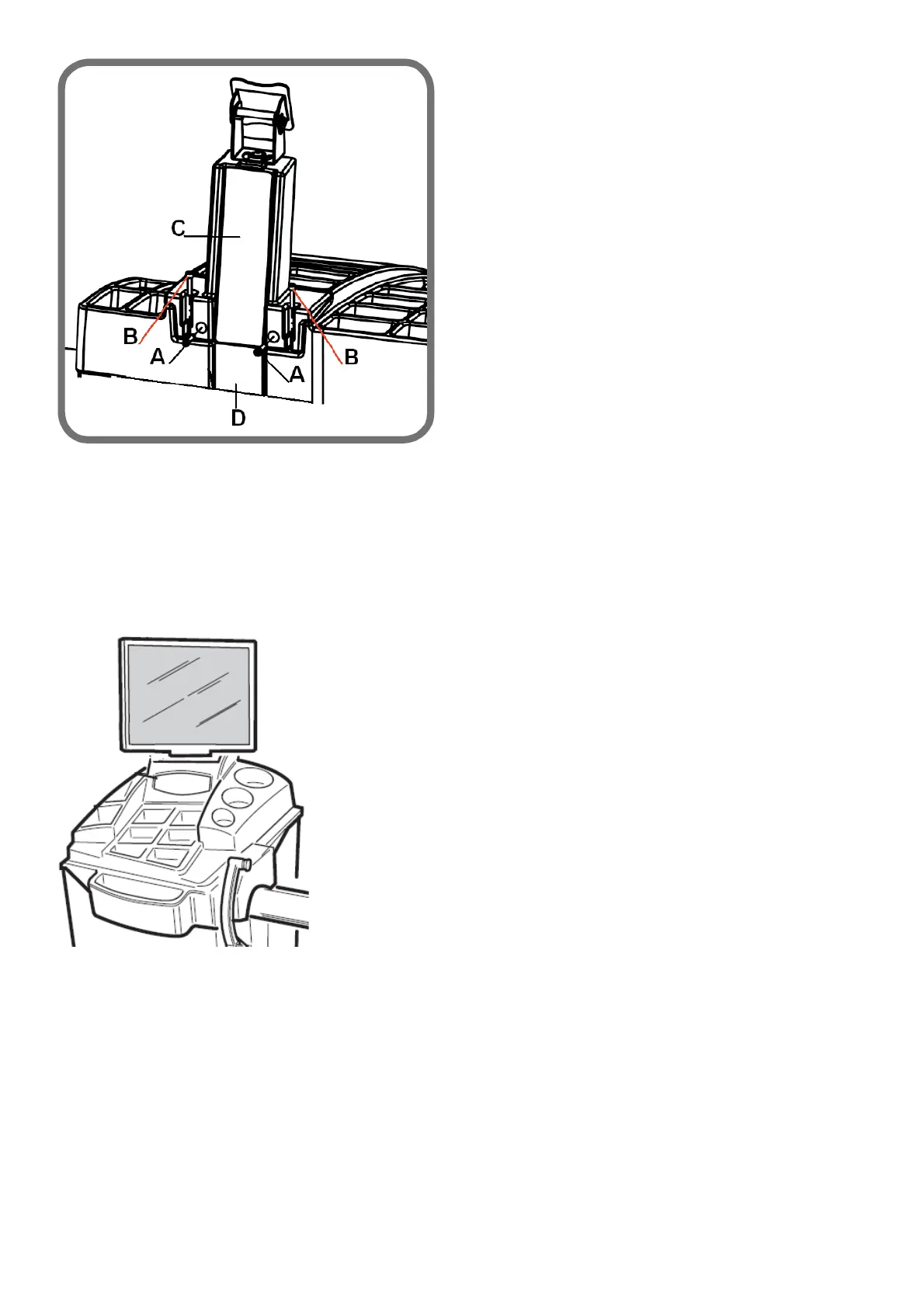
Fig. 5
- disassemble the keyboard via the adhesive velcro;
- remove the ground cable and the picoflex connector from the keypad;
- Disconnect the monitor signal and power supply cables;
- remove the panel (C, Fig.5);
- remove the two cables disconnected previously, feeding through the hole on the cover panel D (Fig.5);
- Remove the weight tray cover, unscrewing the four M6 fixing screws.
TYPE B
- disassemble the keyboard via the adhesive velcro;
- remove the ground cable and the picoflex connector from the keypad;
- Disconnect the monitor signal and power supply cables;
- Unscrew the four M6 fastener screws of the weight tray.
11. UPDATING CONTROL UNIT OF MBU AND/OR OF SD OF MBUGRF BOARD
These cards are used for belt transmission wheel balancers.
Card description



 To Next Page