28
8015675/1EEU/2021-12| SICKO P E R A T I N G I N S T R U C T I O N S | Flow-X
Subject to change without notice
5 COMMISSIONING
5 Commissioning
5.1 Device settings
The device settings are modified using the Flow-X flow computer touchscreen, the
integrated Webserver or the Flow-X module LCD display.
The menu navigation is the same for all variants.
A login is required for the Flow-X flow computer touchscreen or integrated Web server
settings.
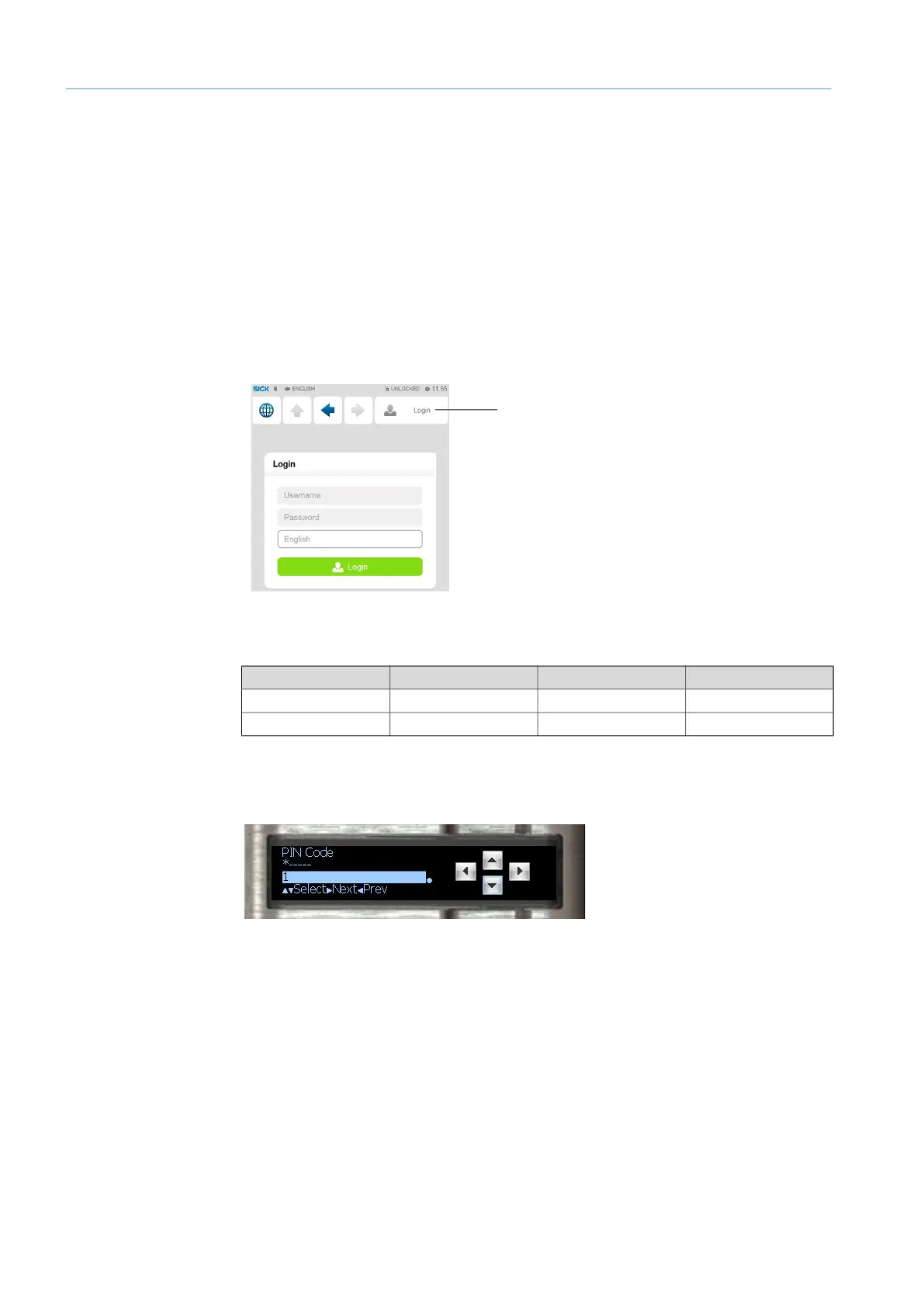
1 Touch or click “Login”.
Fig. 22: “Login” menu
2 Enter the user name and corresponding password.
3 Confirm “Login”.
When making changes using the module screen, it is necessary to log in with your pin in
the “Login” menu.
Fig. 23: Menu “Login” Flow-X module LCD display
Login
User name Password Pin code Security level
Operator sick 000123 500
Technician tech 000789 750
Table 9: Password overview


 To Next Page