NOTE
Li
ght / dark switch:
The light/dark setting is defined using teach-in sequence.
Light switch can be achieved by teaching the background first and then the mark.
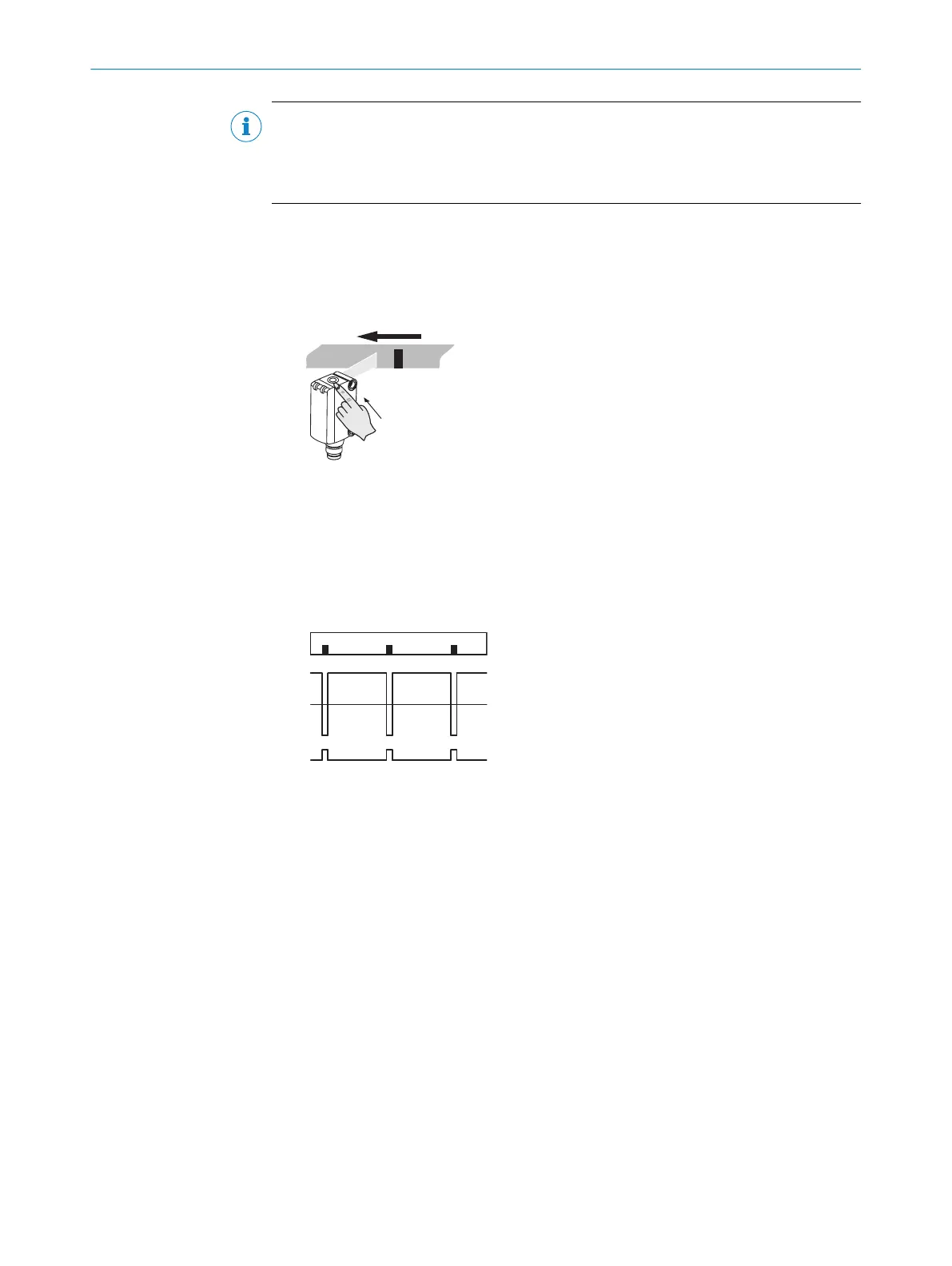
6.3 Dynamic teach-in
Dynamic teach-in via teach-in button
1. Br
ing the mark or background into the light spot. Hold down teach-in button > 3 s
< 30 s.
The emitted light and the yellow LED flash slowly. Move material through light spot
(min. one repe
at length).
✓
Quit the teach-in procedure by releasing the teach-in-button. The optimum emitted
light is automatically selected.
The switching threshold is set in the center between the mark‘s receive signal and
background and is stored in a nonvolatile memory. Output will be activated by
mark (first teach-in).
Dynamic teach-in via ET
Dynamic t
each-in can also be done via the control cable. Control cable High > 30 ms.
Connecting pin 2 (ET) to pin 1 +(L+).
COMMISSIONING 6
8025181/09.01.2020 | SICK O P E R A T I N G I N S T R U C T I O N | KTML
17
Subject to change without notice













 To Next Page