4 Mounting
4.1 Scope of delivery
•
Contrast sensor in the version ordered
•
Quickstart
•
Safety notes
4.2 Mounting requirements
•
Typical space requirement for the device, see type-specific dimensional drawing,
see "Technical data", page 34.
•
Comply with technical data, such as the permitted ambient conditions for opera‐
tion of the device (e.g., temperature range, EMC interference emissions, ground
potential).
•
To prevent condensation, avoid exposing the device to rapid changes in tempera‐
ture.
•
Protect the device from direct sunlight.
•
The device must only be mounted using the pairs of mounting threads/fixing holes
provided for this purpose.
•
Shock and vibration-free mounting.
4.3 Mounting the device
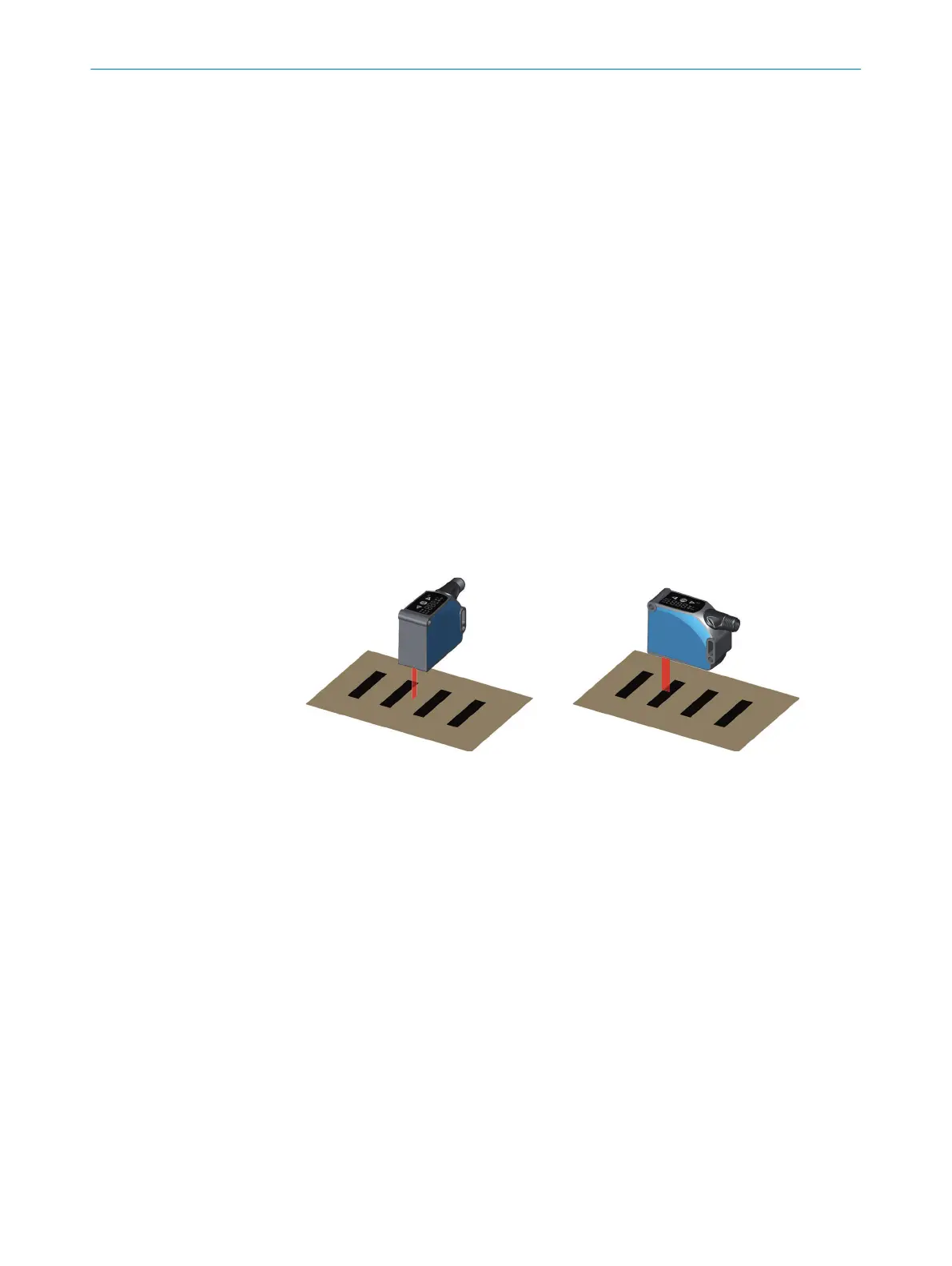
Figure 2: KTS Core
1. Install the device via the fixing hole so that the light spot enters the mark longitudi‐
nally and the test object has the least possible vertical and horizontal movement.
Note the sensing distance while doing so.
2. Compensate for the vertical and horizontal movement of the test object by marks
of suitable lengths.
3. Ensure that any device movement does not affect the sensing distance.
4 MOUNTING
12
O P E R A T I N G I N S T R U C T I O N S | KTS Core 8026298/2021-08-11 | SICK
Subject to change without notice














 To Next Page