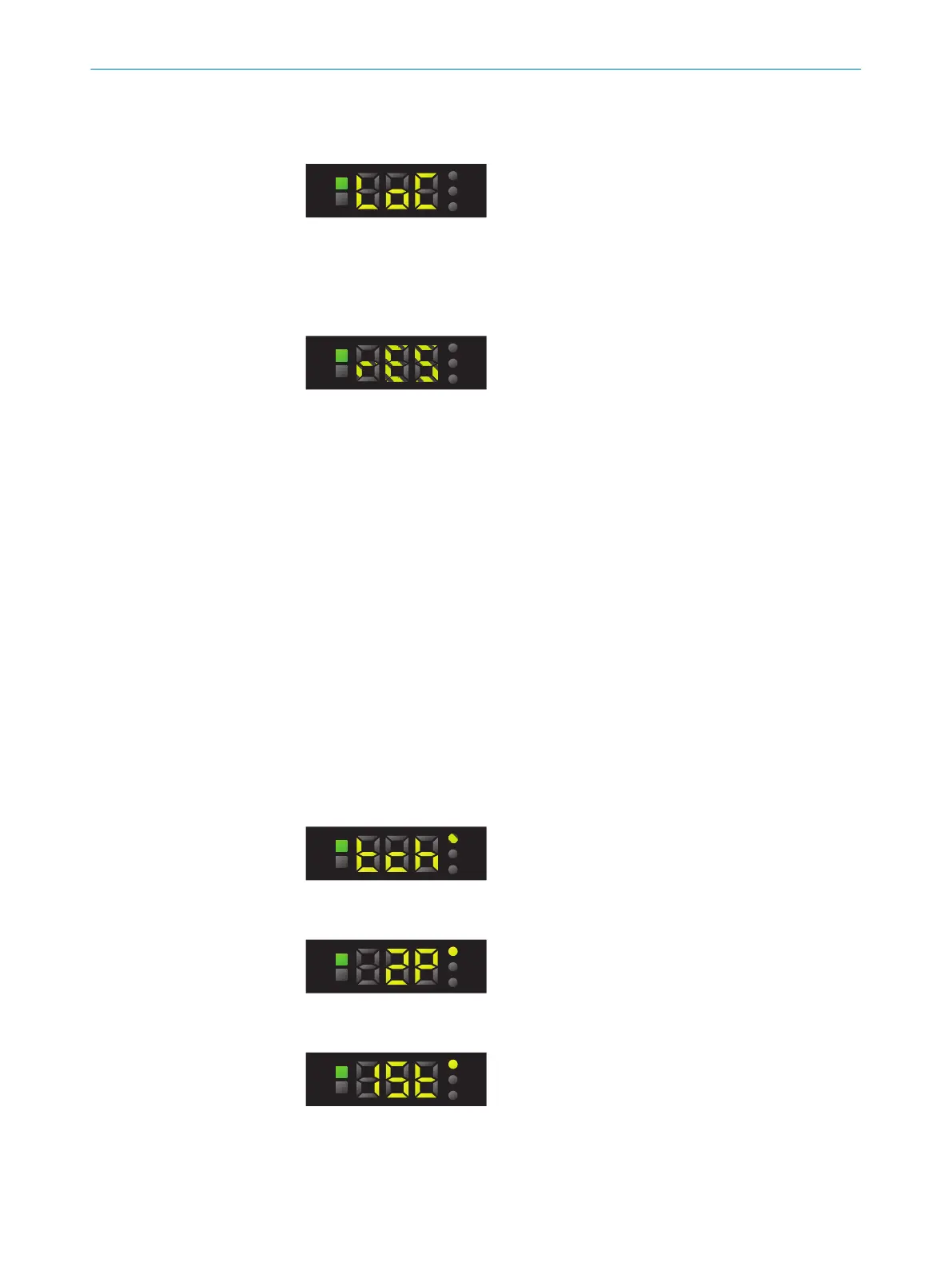
7.5 Activating or deactivating the pushbutton lock
1. Press and hold the plus pushbutton for 10 seconds.
2. The pushbutton lock is active or deactivated.
7.6 Resetting the device (factory setting)
1. Press and hold the plus and minus pushbuttons for 10 s.
2. The set parameters are reset to the factory settings.
7.7 Defaults
The defaults specify the parameters required for operating the device. It is often the
case that only these parameters need to be set in order to use the device.
7.7.1 Teach-in
Several teach-in processes are available for parameterizing the device depending on
the type:
•
1-point teach-in/color mode
•
2-point teach-in
•
Dynamic teach-in
7.7.1.1 2-point teach-in (KTS-Wx6xx factory setting)
Suitable for manual positioning of the object to be detected, e.g., mark and back‐
ground.
1. Press the SET pushbutton.
2. Use the plus or minus button to select teach-in.
3. Press the SET pushbutton.
4. Use the plus or minus button to select 2P.
5. Press the SET pushbutton.
6. Position the mark under the light spot.
7. Press the SET pushbutton.
8. Position the background under the light spot.
7 OPERATION
22
O P E R A T I N G I N S T R U C T I O N S | KTS Core 8026298/2021-08-11 | SICK
Subject to change without notice














 To Next Page