7 Operation
7.1 Control elements
THR
ESC
PRO
TCH
SET
PWR
Q
1 2 3
4
5
6
7
8
9
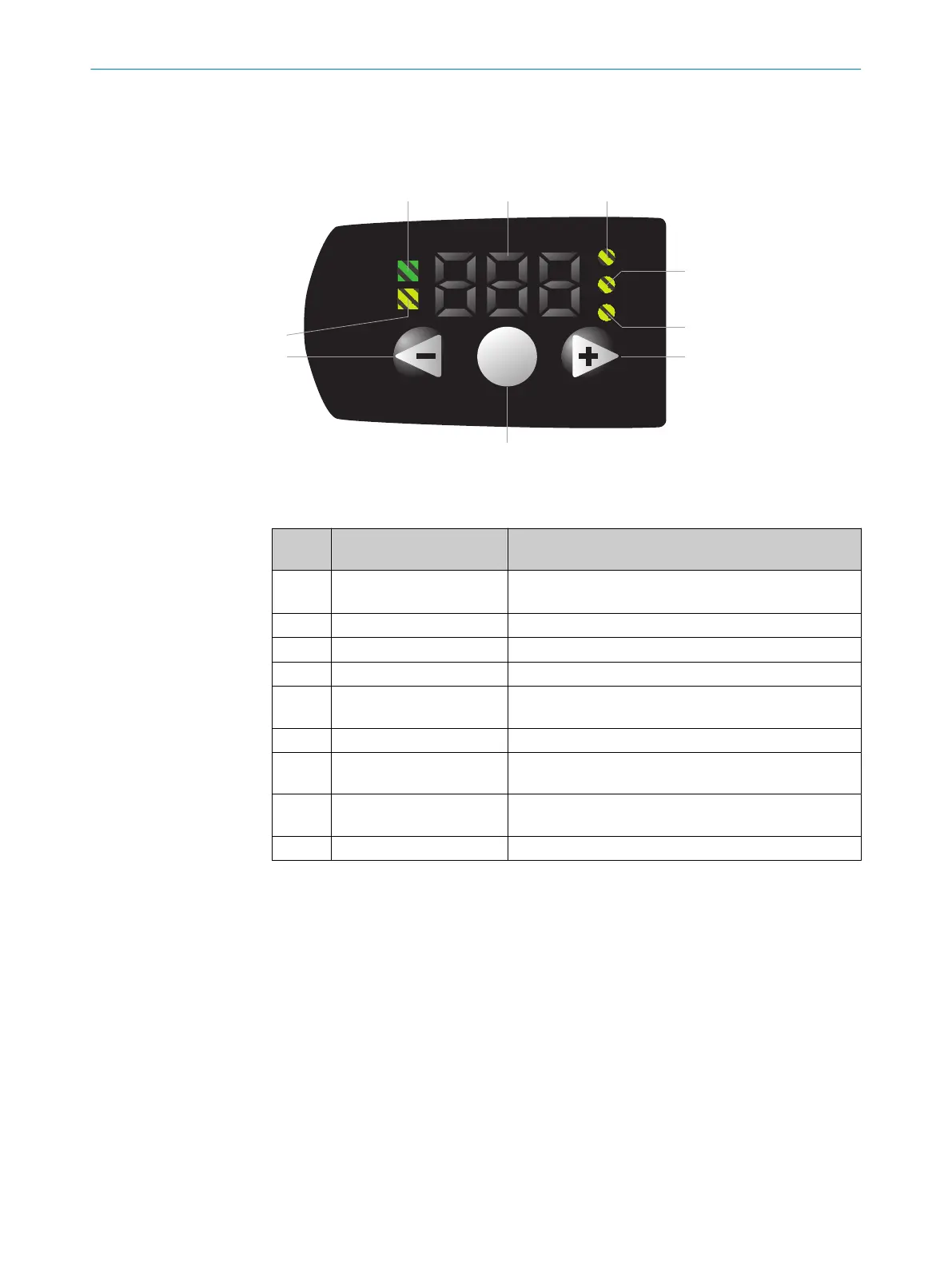
Figure 5: KTS operating elements
Table 8: Operating elements legend
Num‐
ber
Description Function
1 PWR Illuminates when the voltage supply is connected.
Flashes when IO-Link communication is active.
2 Segment display Shows menu item, values, or qualities.
3 TCH Illuminates when the “teach-in” menu is selected.
4 THR Illuminates when the “threshold” menu is selected.
5 PRO Illuminates when the “advanced settings” menu is
selected.
6 Plus Scrolls through menu items or increases values.
7 SET Opens the menu, confirms entries, or switches to lower-
level menus.
8 Minus/ESC Switches to the previous menu item, decreases values,
or cancels the current operation (press for > 3 s).
9 Q Illuminates when there is a switching event.
7.2 Navigation tree, general
To leave the current menu level, press and hold the minus button for > 3 seconds.
OPERATION 7
8026298/2021-08-11 | SICK O P E R A T I N G I N S T R U C T I O N S | KTS Core
19
Subject to change without notice














 To Next Page