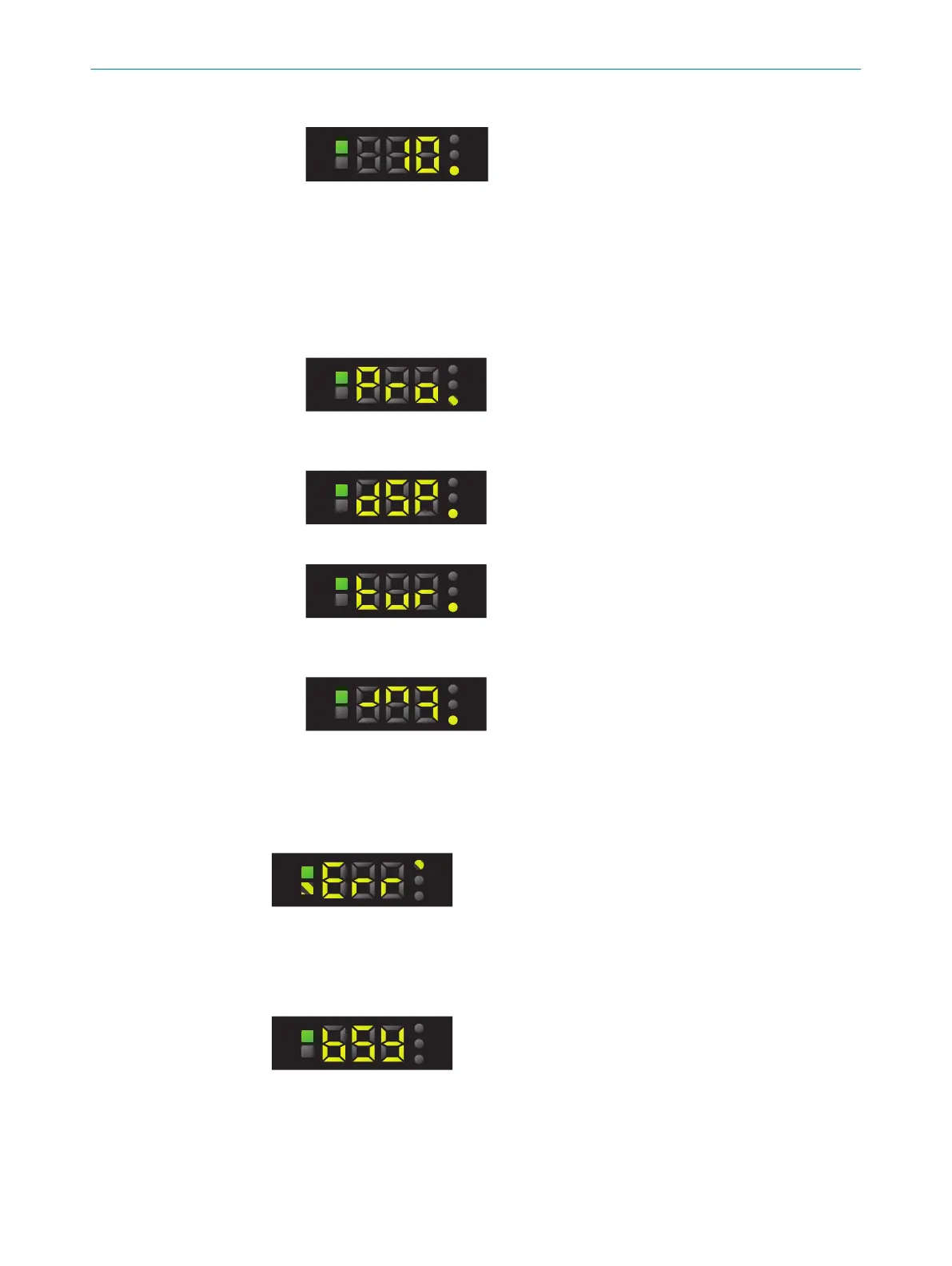
8. Use the plus or minus button to select the required fine adjustment.
9. Press the SET pushbutton.
7.8.3 Rotating the display
If the installation position of the device makes it difficult to read from the segment
display, the display can be rotated 180°.
1. Press the SET pushbutton.
2. Use the plus or minus pushbutton to select Pro.
3. Press the SET pushbutton.
4. Use the plus or minus pushbutton to select dSP.
5. Press the SET pushbutton.
6. Use the plus or minus pushbutton to select the direction in which the segment
display points.
7. Press the SET pushbutton.
7.9
Other displays and functions
Incorrect teach-in
In the event of a teach-in failure, Err appears on the display and the Q LED and TCH LED
flash.
Control panel locked
If the device is undergoing an internal process (e.g., reading or storing parameter sets
or teaching-in via IO-Link), the control panel is locked and the device shows “bSY” on
the segment display.
7 OPERATION
28
O P E R A T I N G I N S T R U C T I O N S | KTS Core 8026298/2021-08-11 | SICK
Subject to change without notice














 To Next Page