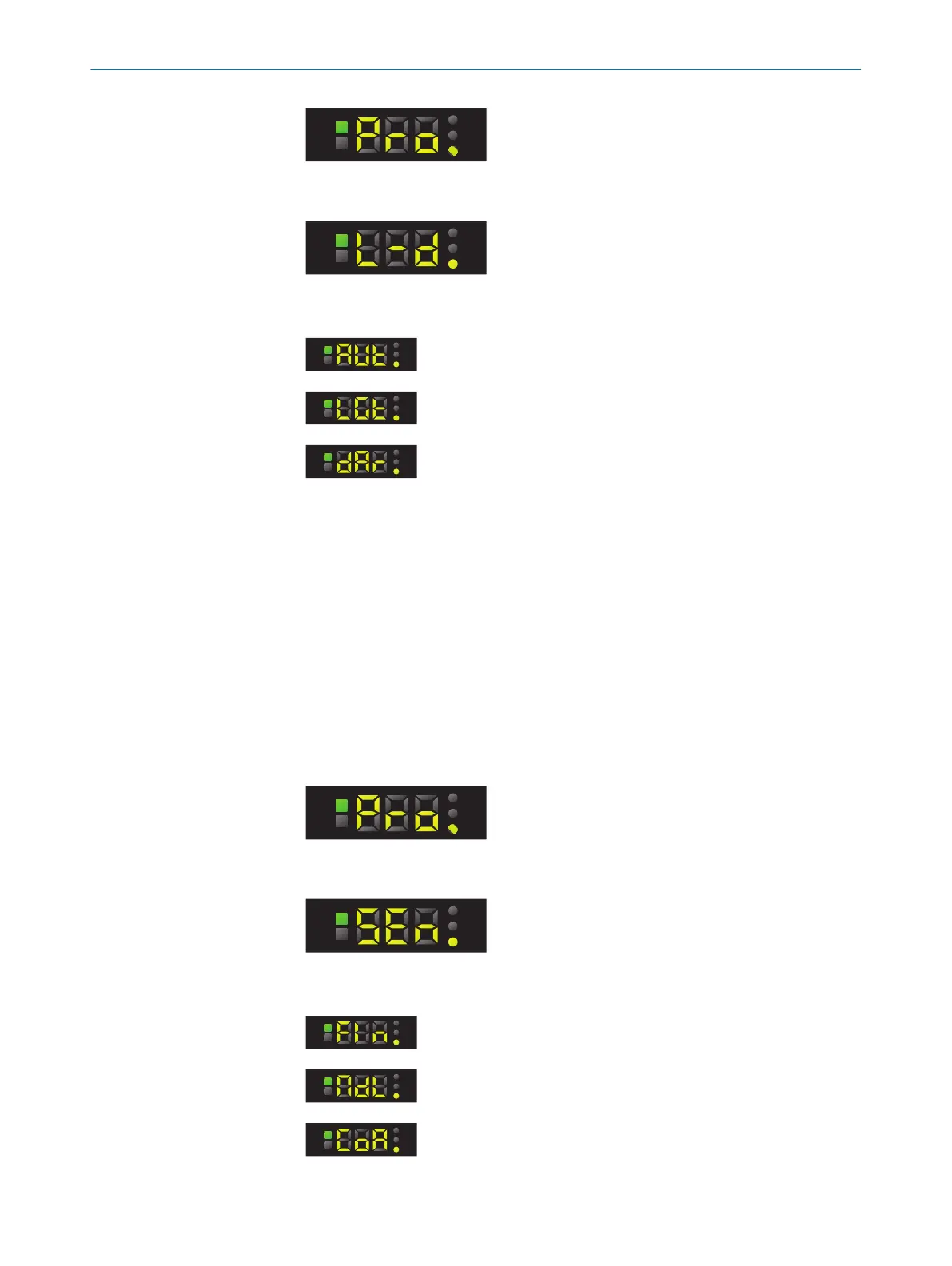
3. Press the SET pushbutton.
4. Use the plus or minus pushbutton to select L-D.
5. Press the SET pushbutton.
6. Use the plus or minus pushbutton to select the required setting.
Automated (factory setting)
Light switching
Dark switching
7. Press the SET pushbutton.
7.8.2 Adjusting the switching sensitivity
The contrast differences that have been taught are stored with a tolerance zone. The
magnitude of the tolerance zone can be set to one of three values (robust, standard,
and sensitive).
The operational safety of the measurement process is increased when using a greater
tolerance if the color differences of the object vary. When setting sensitive, standard
and robust, percentage values (10, 20, 50) are preset. These correspond to the toler‐
ance bands around the taught-in color and can be adjusted using the plus/minus
buttons.
1. Press the SET pushbutton.
2. Use the plus or minus button to select Pro.
3. Press the SET pushbutton.
4. Use the plus or minus button to select SEn.
5. Press the SET pushbutton.
6. Use the plus or minus button to select the required setting.
Sensitive
Standard (factory setting)
Robust
7. Press the SET pushbutton.
OPERATION
7
8026298/2021-08-11 | SICK O P E R A T I N G I N S T R U C T I O N S | KTS Core
27
Subject to change without notice














 To Next Page