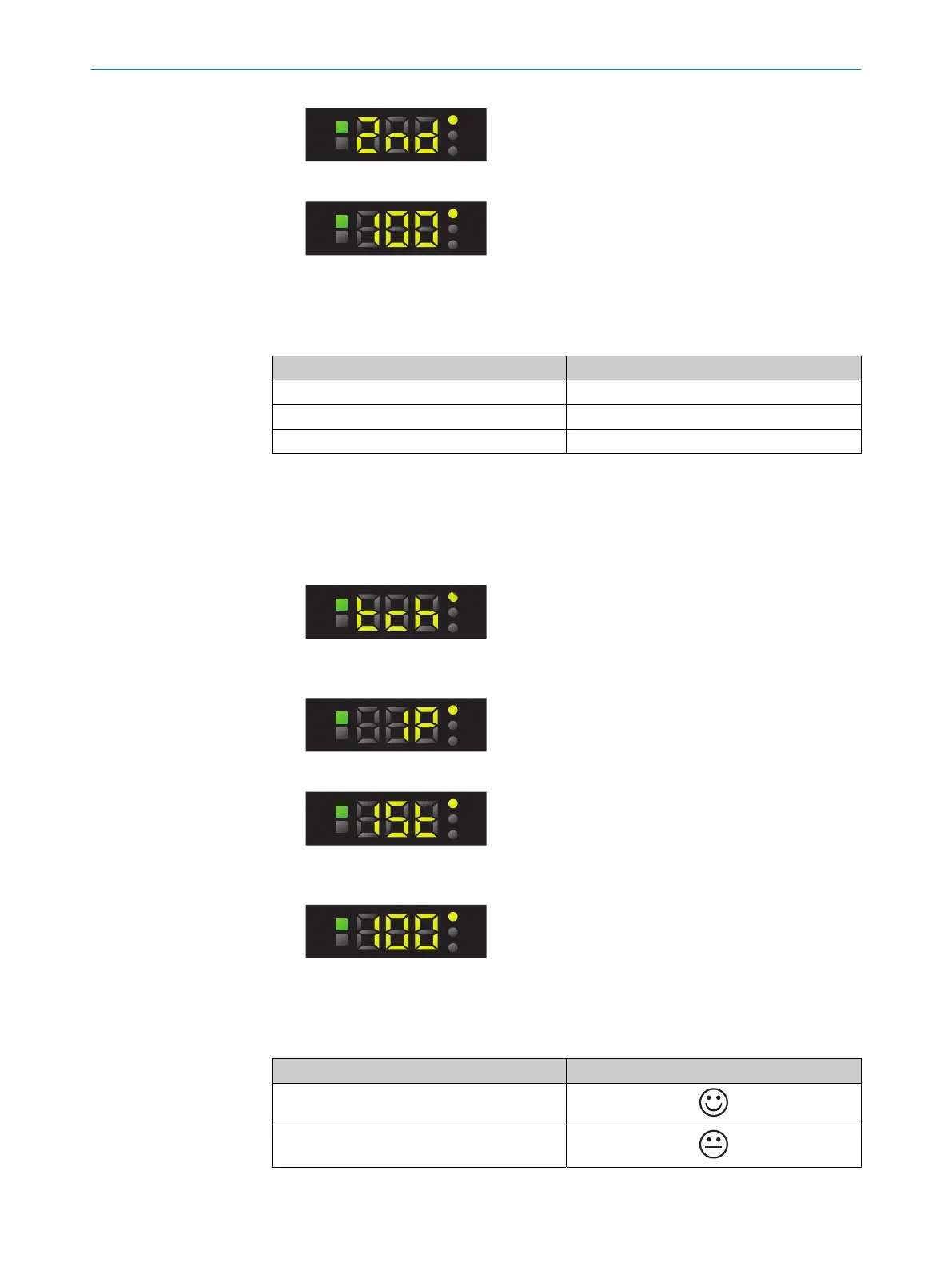
9. Press the SET pushbutton. The Quality of Teach is displayed.
10. The live measured value is displayed after the Quality of Teach.
Quality of Teach
Table 10: Quality of Teach display
Indication Meaning
61 - 100 Excellent detection reliability
31 - 60 Good detection reliability
1 - 30 Poor detection reliability
7.7.1.2 1-point teach-in/color mode
Suitable for teaching in color properties.
1. Press the SET pushbutton.
2. Use the plus or minus button to select teach-in.
3. Press the SET pushbutton.
4. Use the plus or minus button to select 1P.
5. Press the SET pushbutton.
6. Position the object to be detected under the light spot.
7. Press the SET pushbutton. The Quality of Teach is displayed.
8. The Quality of Run is displayed after the Quality of Teach.
Quality of Run
Table 11: Quality of Run
Value Quality
61 - 100
31 - 60
OPERATION 7
8026298/2021-08-11 | SICK O P E R A T I N G I N S T R U C T I O N S | KTS Core
23
Subject to change without notice














 To Next Page