8.5.2 Indicator mode
Table 18: Indicator mode
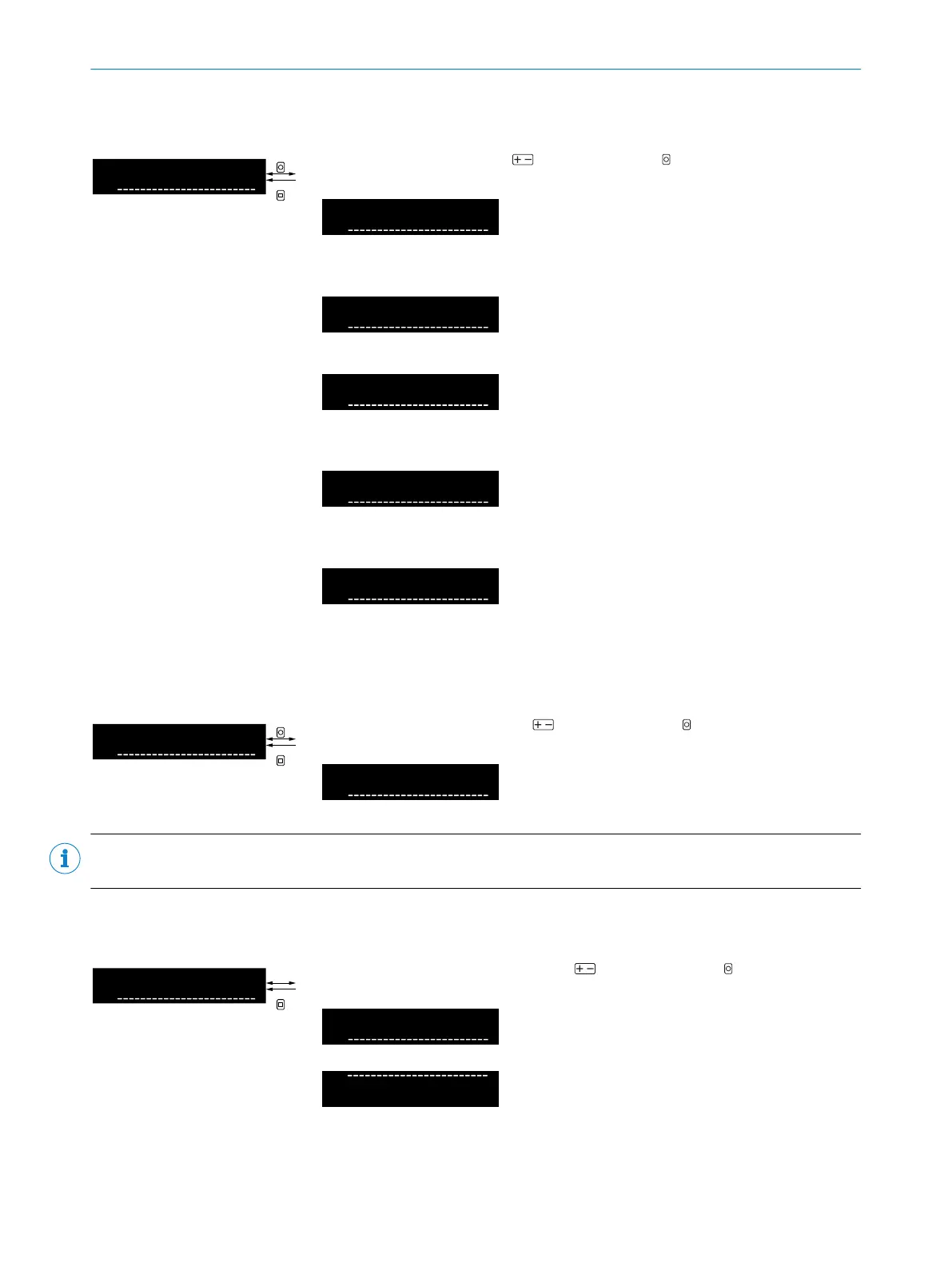
Select indicator mode using and confirm using OK. After confirmation, the
display returns to the higher-level menu.
Digits
Displays the absolute value of the
received light in the unit of digits
(“digital analog value”)
Bar graph
Displays the received light value as
a normalized bar
Percent
Displays the received light value in
the unit of percent. The teach-in
point corresponds to 100%.
Counter (only displayed when D6
Counter mode is active)
Displays the counter values (current
actual and target counter value).
Edge (only displayed when D2 Edge
mode is active)
Displays the edge values (current
actual and target edge values).
8.5.3 Display brightness
Table 19: Display brightness
Select display brightness using and confirm using OK. After confirmation,
the display returns to the higher-level menu.
Percentage brightness level of the
display (in 10% steps between 10%
and 100%)
NOTE
Lowering the display brightness increases the service life of the display.
8.5.4 Rotating the display
Table 20: Rotating the display
Select display rotation by 180° using and confirm using OK. After confir‐
mation, the display returns to the higher-level menu.
Off
Normal display orientation
On
Display orientation rotated by 180°
8 OPERATION
28
O P E R A T I N G I N S T R U C T I O N S | WLL80 Analog 8027947 /2022-12-14 | SICK
Subject to change without notice



 To Next Page