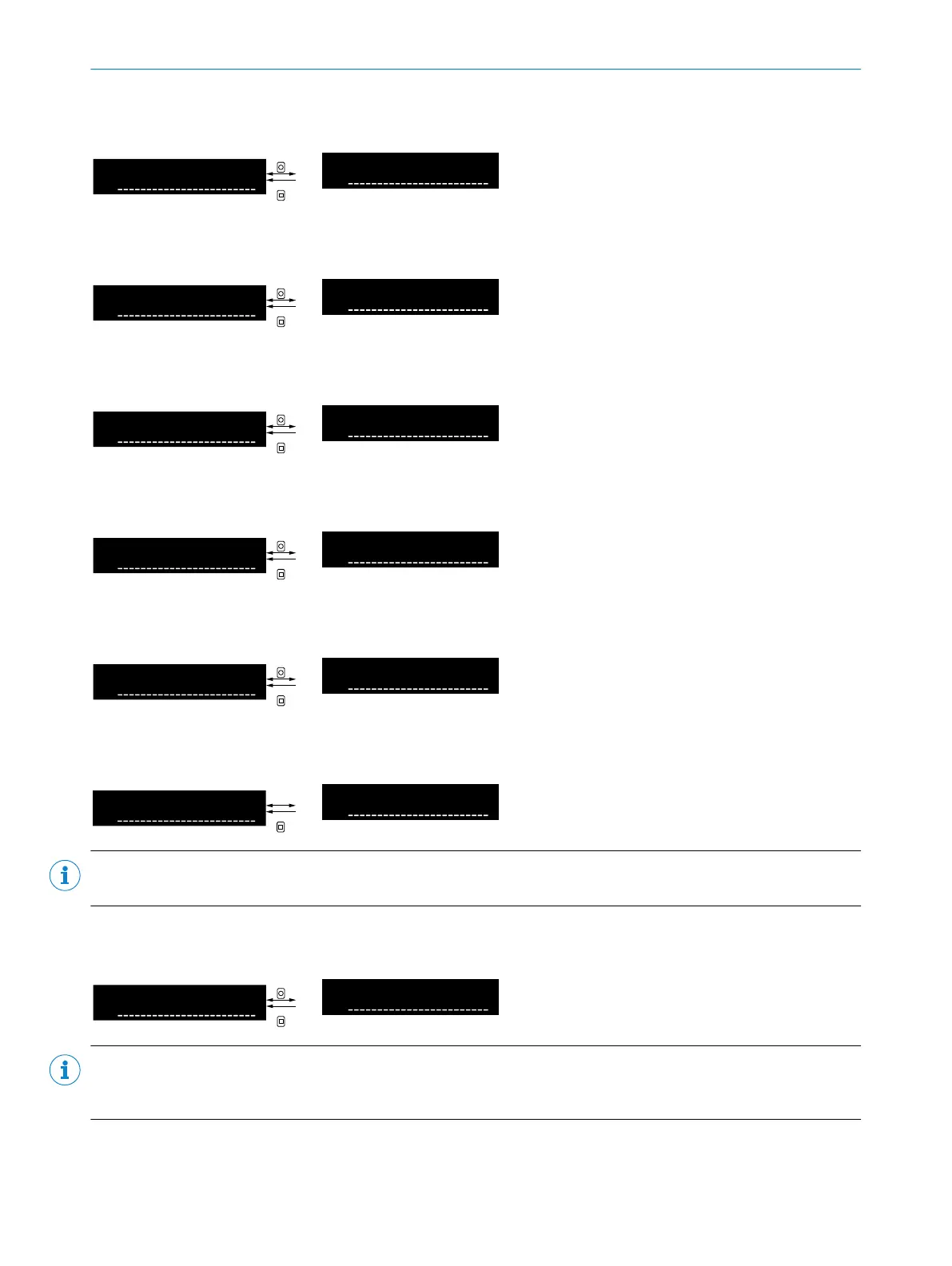
8.9.3 Software version
Table 49: Software version
Software version number
8.9.4 Hardware version
Table 50: Hardware version
Hardware version number
8.9.5 Device temperature
Table 51: Device temperature
Current internal device temperature
8.9.6 Operating time counter (uptime since last initialization)
Table 52: Operating hours
Operating time since last initializa‐
tion
8.9.7 Operating time counter (total uptime since initial commissioning)
Table 53: Operating time (total)
Operating time since initial commis‐
sioning
8.9.8 Counter value
Table 54: Counter value
Current counter value
NOTE
Setting the counter value is only available if counter mode is activated.
8.9.9 Operational safety
Table 55: Operational safety(Quality of Run)
Value for operational safety in per‐
cent (0% ... 254%).
NOTE
The value for operational safety (Quality of Run) is only available if through-beam detection mode is set. For
“Proximity” detection mode, the value is not available (value 255%).
8 OPERATION
46
O P E R A T I N G I N S T R U C T I O N S | WLL80 Analog 8027947 /2022-12-14 | SICK
Subject to change without notice









 To Next Page