11/2811/2802.2020H47.ELEKS014EN-00
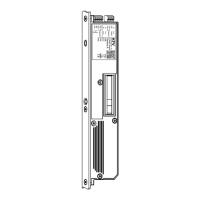
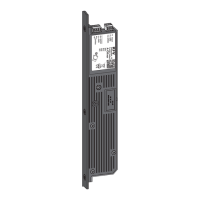
GENIUS 2.2 PANIC, Electromechanical mul-point lock
3 s
or
f
Hold down the buon for 3 sec-
onds to select a funcon.
f
An acousc signal sounds as
acknowledgement.
f
You will exit the menu.
The menu sengs are terminated without changes if there are no entries within a meout of 30 seconds.
The status LED will switch o if the buon is not acvated for 2 minutes.
WIFI
100 % (Funcon A)
(Locking bolt) Funcon 1 Acve
Restart the
device
Couple devices
Reset WFI
75 % Funcon B
N/C contact Funcon 2 Inacve
Default seng
Separate devices
WPS mode
(50 %) Funcon C
Funcon 3 SW version
Blocking the
access control
system
Info mode
25 % Funcon D
(Funcon 4)
Magnec sensor
adjustment
Factory sengs
0 % Funcon E
Funcon 5 Reference run
WIFI on
Funcon F
Funcon 6 WIFI o
The default values on delivery are displayed in bold italics in brackets (example: (50%)).



 To Next Page