02.202018/28 H47.ELEKS014EN-00
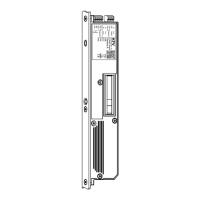
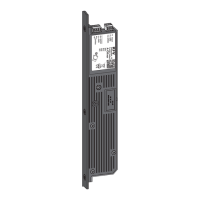
GENIUS 2.2 PANIC, Electromechanical mul-point lock
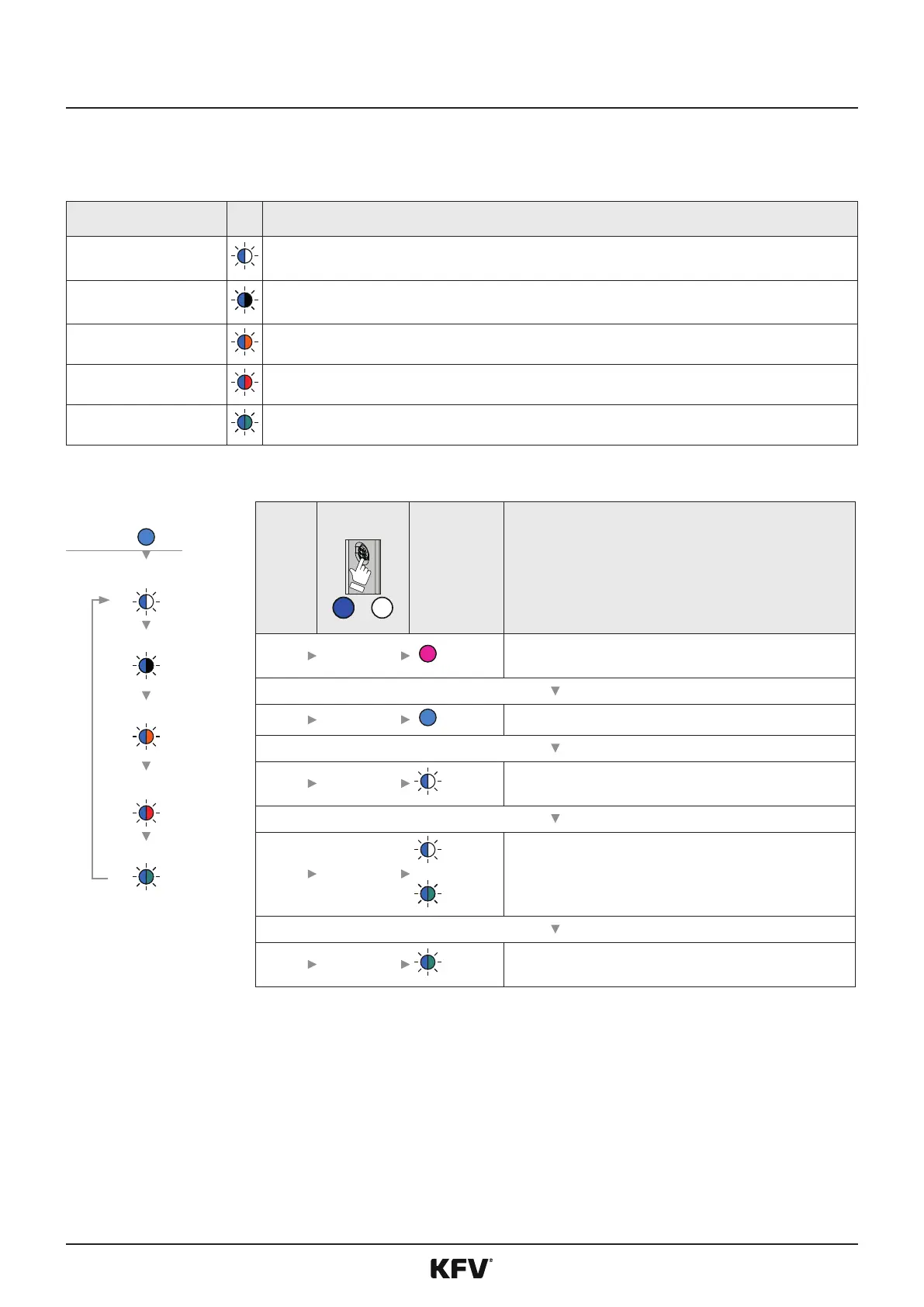
The menu "Device services" is for the purpose of commissioning or service.
The following funcons can be carried out in the menu „device services“:
LED
Restart the device
Restarts the system
Default seng
Resets the GENIUS to the default sengs
SW version
The installed soware version can be determined via a LED sequence.
Adjust magnec sensor
Manual adjustment of the magnec sensor
Reference run
Teaching in travel range during inial commissioning
LED
1
8 s
Magenta Retrieve menu sengs
2 5 x 1 s*
Light blue Change to menu „Device services“
3 3 s
Display of the rst menu item
4 (X) x 1 s
to
Light blue/
White
Light blue/
Magenta
Change to the desired funcon
5 3 s
(Example) Carry out funcon
Restart the
device
Default sengs
SW version
Adjust magnec
sensor
Reference run



 To Next Page