15/2815/2802.2020H47.ELEKS014EN-00
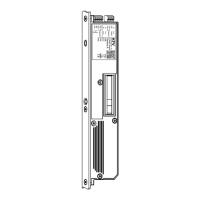
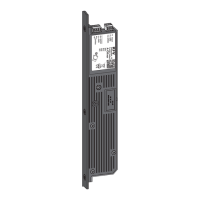
GENIUS 2.2 PANIC, Electromechanical mul-point lock
The feedback contact can also be set in its funcon as a locking bolt or as an opener.
If the funcon "Locking bolt“ is selected, this will switch on the coupling relay when the status of the selected
funcon is fullled (e. g. door closed and locked).
If the funcon "Opener" is selected, this will switch on the coupling relay when the status of the selected funcon
is fullled (e. g. door closed and locked). The feedback contact must be set to "Opener" for feedback to an alarm
system. The coupling relay status will be retained if the supply voltage should fail in this seng.
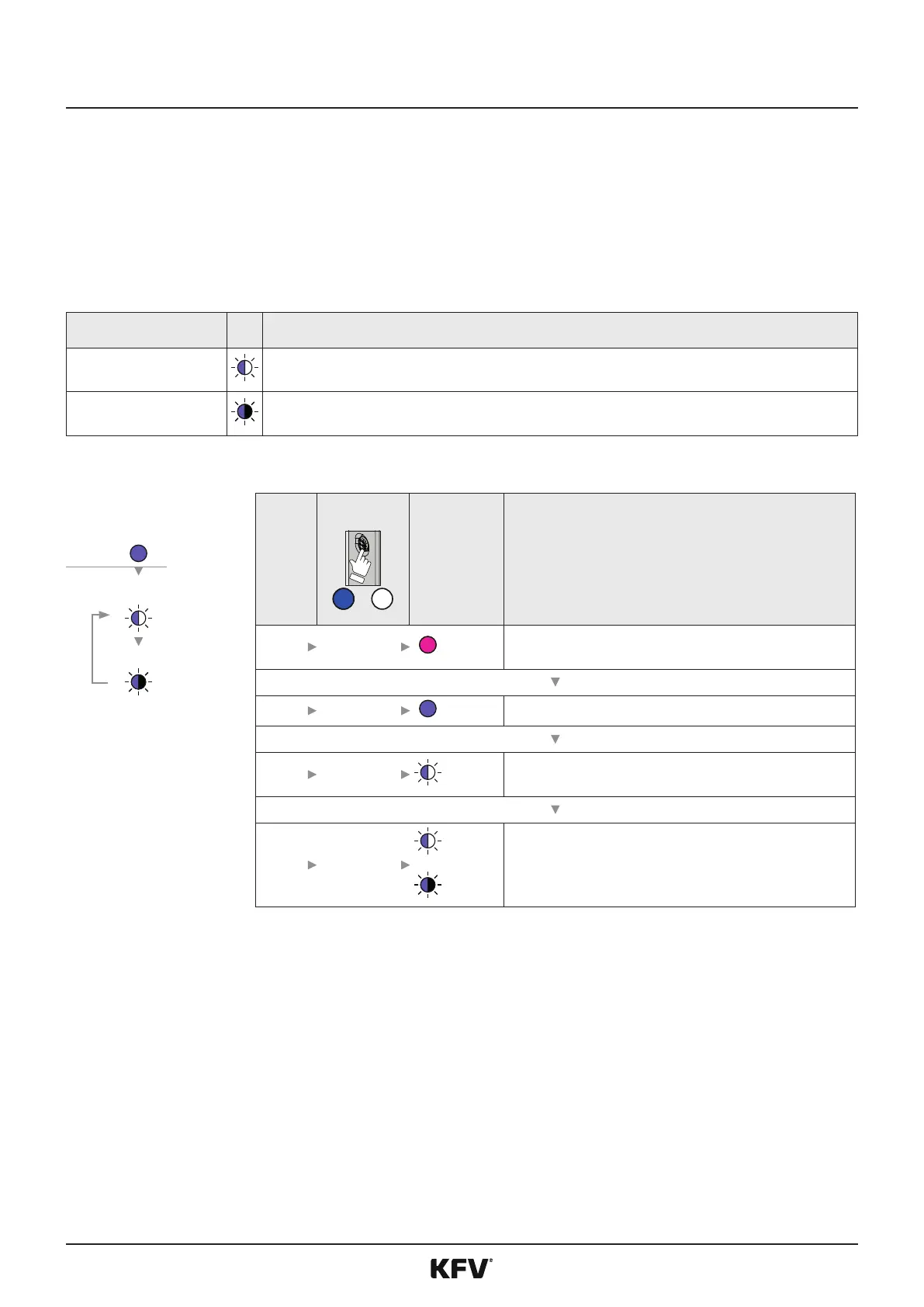
The following values can be set in the menu "Terminal 7 feedback funcon":
LED
(Locking bolt)
The feedback contact funcons as a locking bolt
N/C contact
The feedback contact funcons as an opener
LED
1
8 s
Magenta Retrieve menu sengs
2 2 x 1 s
Lilac Change to menu "Terminal 7 feedback contact"
3 3 s
(Example)
Display of the current set values
(Default value: locking bolt)
4 (X) x 1 s
to
Lilac/
White
Lilac/Black
Changing the values to the desired value:
Locking bolt and opener
(Locking
bolt)
N/C contact



 To Next Page