19/2819/2802.2020H47.ELEKS014EN-00
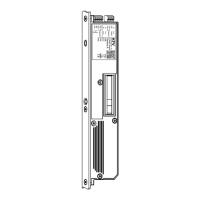
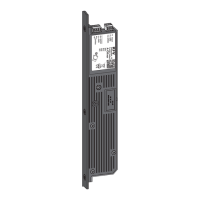
GENIUS 2.2 PANIC, Electromechanical mul-point lock
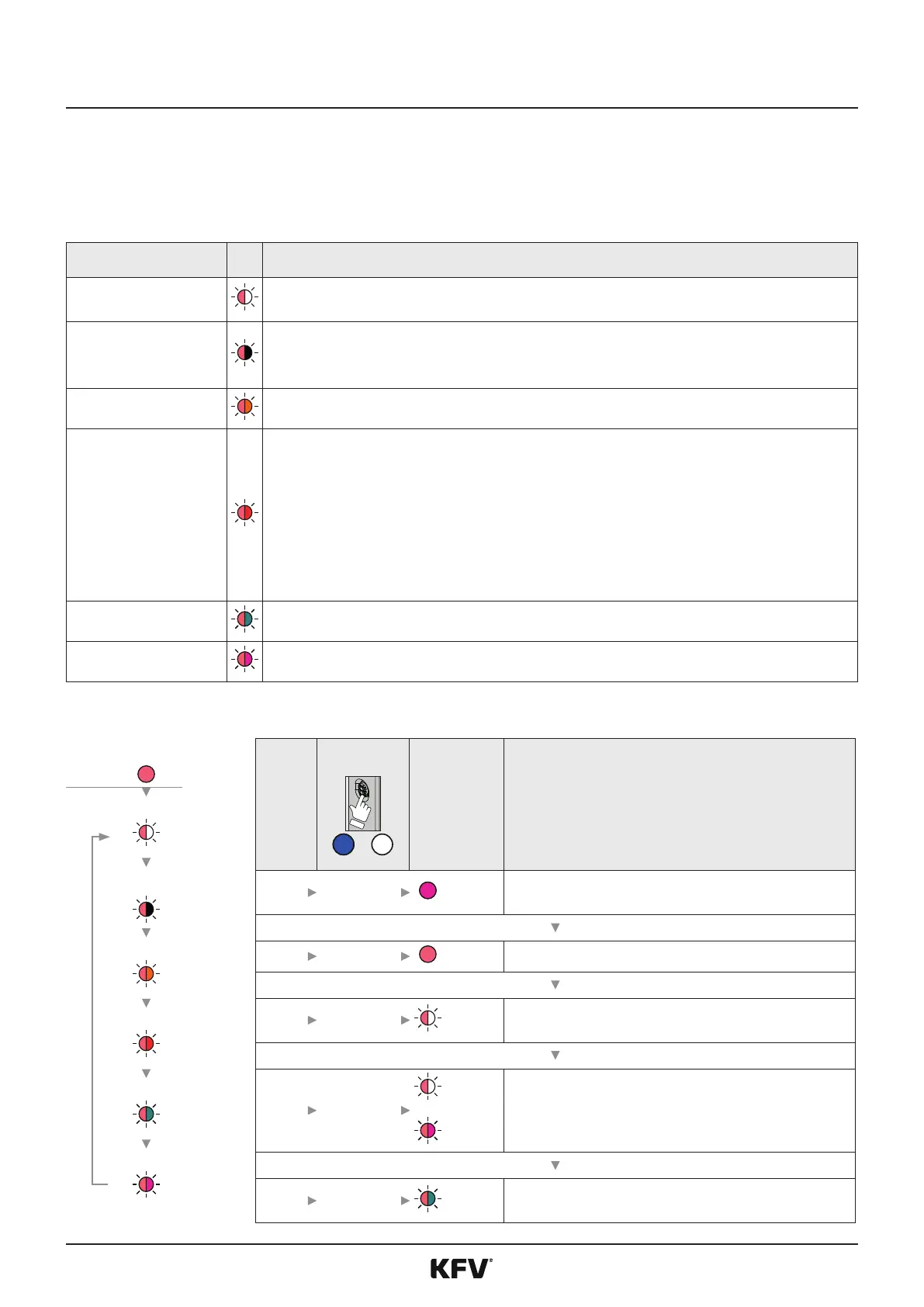
The menu „System services“ provided funcons, which can be used in conjuncon with the SIEGENIA access
control systems (ACS). The menu can be retrieved up to 10 minutes following the system start. A warning signal
sounds if an aempt is made to retrieve the menu beyond the me period.
The following funcons can be carried out in the menu „system services“:
LED
Couple devices
Couple all devices connected via the SI-BUS with GENIUS
(See instrucons for SIEGENIA access control systems)
Separate devices
Separate all devices that are not connected via the SI-BUS from GENIUS.
All devices that are no longer connected to the SI-BUS will be removed from the SI-BUS.
All devices that are sll connected remain coupled. The devices that are to be separated may no longer be physically
connected to the SI-BUS.
Unblock ACS
Premature unblocking of the SIEGENIA ACS, which has been blocked for a specic period due to erroneous informa-
on.
Factory sengs
The following adjustments are reset to the factory sengs:
• All device couplings
• Complete user administraon
• All device names
• All system names
• WIFI conguraon
• Log entries (access log)
• Keyless sengs
• Default sengs
WIFI on
Switches WIFI on to use the SIEGENIA Comfort app
WIFI o
Switches WIFI o, the SIEGENIA Comfort APP can not be used.
LED
1
8 s
Magenta Retrieve menu sengs
2 6 x 1 s*
Bright red Change to menu „System services“
3 3 s
Display of the rst menu item
4 (X) x 1 s
to
Light red/
White
Light red/
Magenta
Change to the desired funcon
5 3 s
(Example) Carry out funcon
Couple devices
Separate
devices
Unblock ACS
Factory sengs
WIFI funcon 5
Funcon 6



 To Next Page