15
Press keys:
Gigaset 4010 Comfort, GBR, A31008-G4010-B102-1-7619
telef.fm
11.6.01
Answering a call
Your handset rings (ringer) and the status LED flashes.
!
/
,
Press the lifting or handsfree key.
or
Y
M
Simply remove the handset from the base station (fac-
tory setting: “Auto talk” (see page 71).
Displaying the telephone number (CLIP)
*
The network provider must support calling line identifi-
cation (
CLIP
) and the telephone number must have
been sent. Contact your network provider to use this
function.
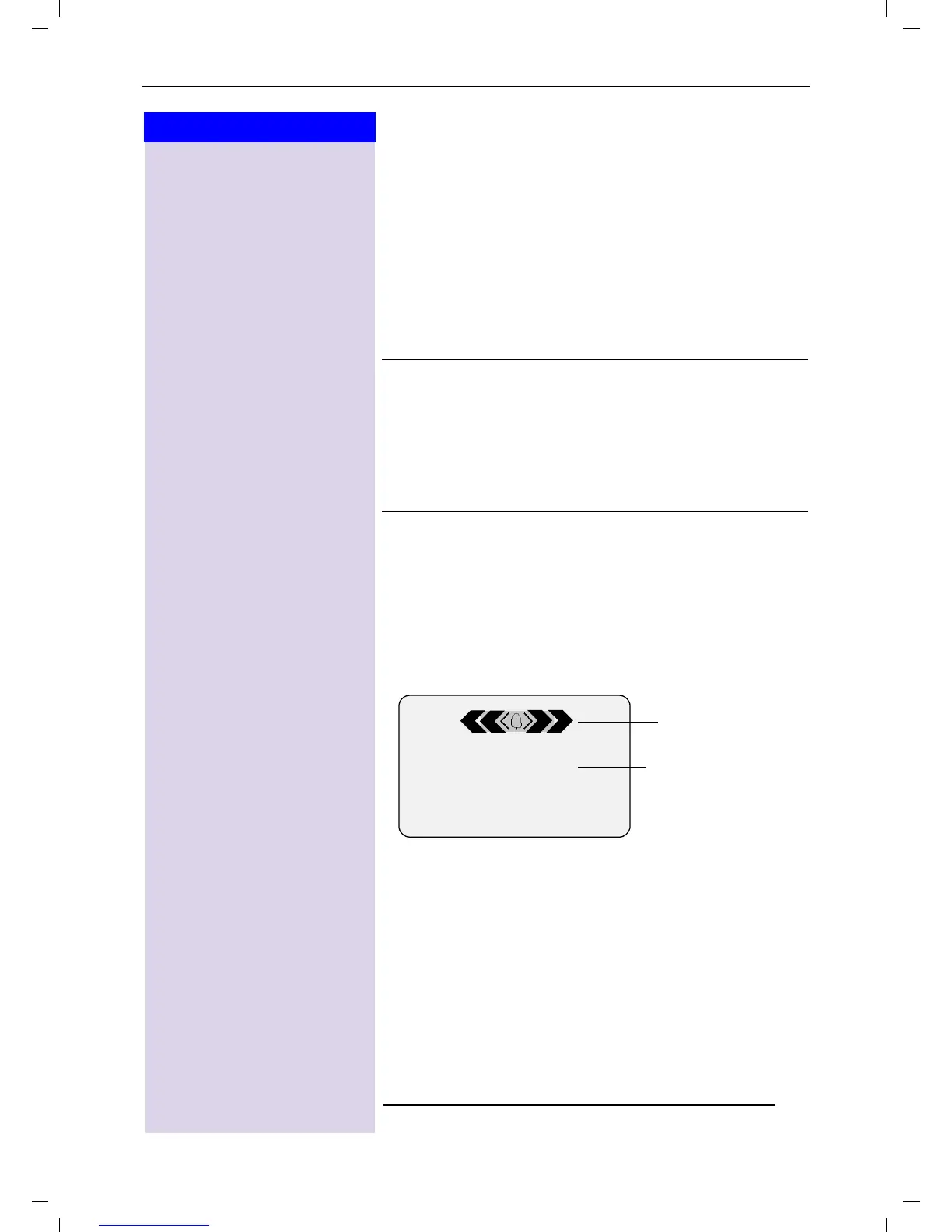
An incoming call is displayed as follows (example):
The caller's name is displayed if the telephone number
received is stored in the handset’s directory (for exam-
ple: Anna).
O
If the
ringer is disturbing you,
press the
display key
6LOHQW
.
O
As long as the call is displayed, you can ac-
cept it by pressing the talk key
!
or the
handsfree talking key
,
.
O
You can also adjust the handset volume dur-
ing the call (see page 68).
* Not available in all countries.
6LOHQW $FFHSW
0891234567
Telephone
number
Bell icon











 To Next Page