48
Press keys:
Gigaset 4010 Comfort, GBR, A31008-G4010-B102-1-7619
sms.fm
11.6.01
Outgoing list
All SMS messages that have been stored are displayed
in the outgoing list. After transmission, these messag-
es remain in the list until manually deleted.
Reading, editing, sending or deleting stored
SMS messages
Open the menu.
]]]]]]]]]]]]]]]]]]]]]]]]]]]]]]]]
Text Messa
e
Select the text message.
]]]]]]]]]]]]]]]]]]]]]]]]]]]]]]]]
Out
oin
Open the outgoing list.
'HOHWH
Delete the SMS
or
5HDG
Display
the text of the
SMS
.
When
reading
a stored SMS you can:
A
Open the menu, then select the option you want.
Messages that were already released for trans-
mission cannot be retrieved; they are not dis-
played in the outgoing list.
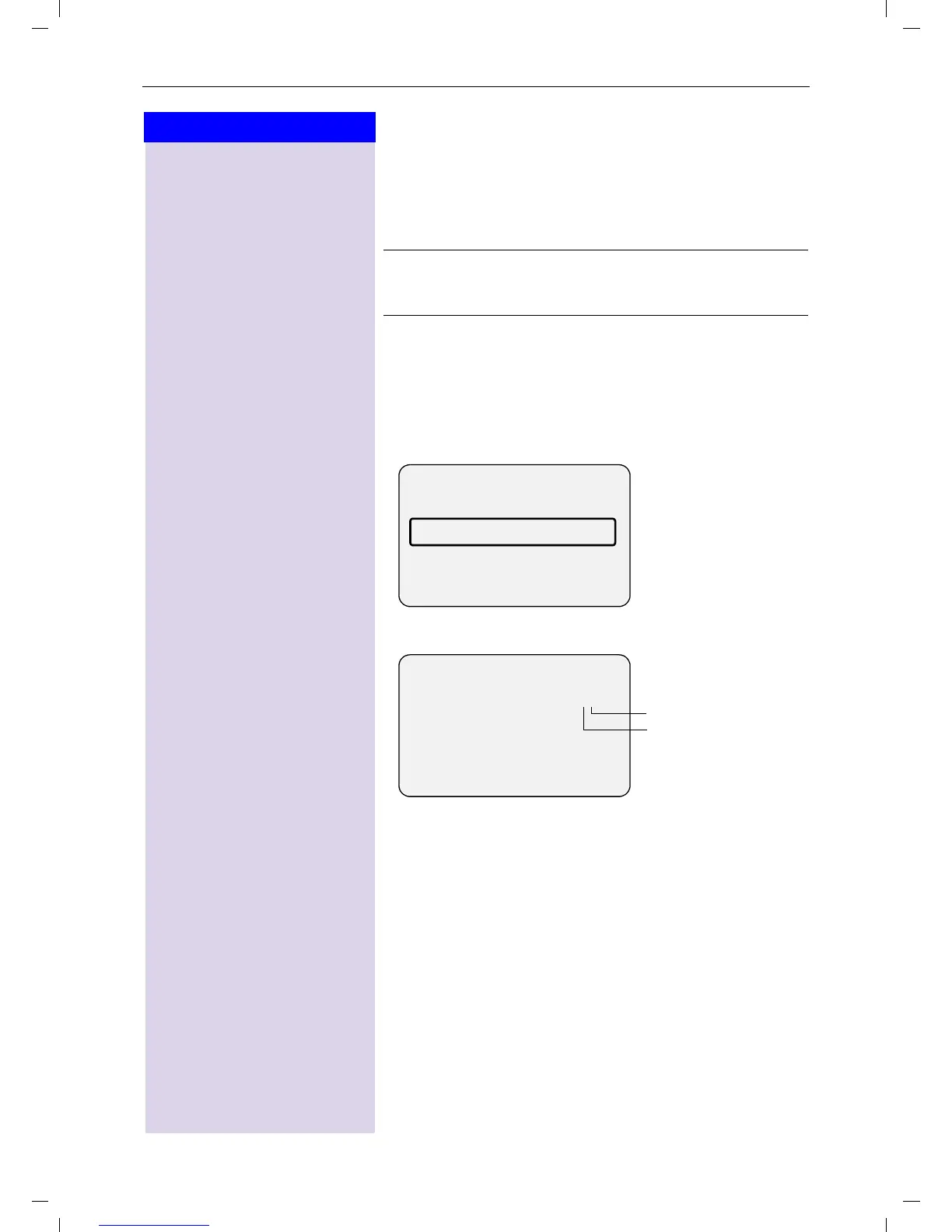
----------Text Message---------
Incoming 02/04
Outgoing
Service Centr.1
R
--------------Outgoing-------------
Saved 1/2
08912345678
12.07.00 11:33
'HOHWH 5HDG
Total stored SMS
messages
First SMS message
O
Write Message
Write and send a new SMS.
O
Edit Text
Edit and send a stored SMS.











 To Next Page