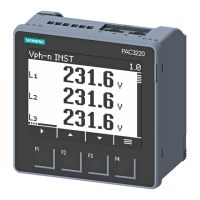
9410 series Meter display
2. Press or to highlight the different setup menu selections. Highlight Meter
Setup and press
to select the meter setup screens. The Volts Mode setup
screen is displayed.
3. Press
to highlight Volts Mode. Press to edit the volts mode. The Enter
Password screen is displayed.
4. Press to change the value of the highlighted digit (0 - 9). Press to go to the
next digit. Press
to enter your password. The Volts Mode configuration screen
is displayed.
5. Press or to highlight the desired volts mode from the list, in this case, 3W-
WYE. Press
to select the highlighted volts mode. A confirmation screen is
displayed, showing your meter’s previous setting and newly selected setting.
6. Press to confirm, and the new setting is applied to your meter. Press to
cancel and maintain your meter’s original setting.
34 7EN05-0336-01



 To Next Page
 Loading...