BC8001A Installation and Operating Instruction
Page 13/49
CHAPTER 3 OPERATION
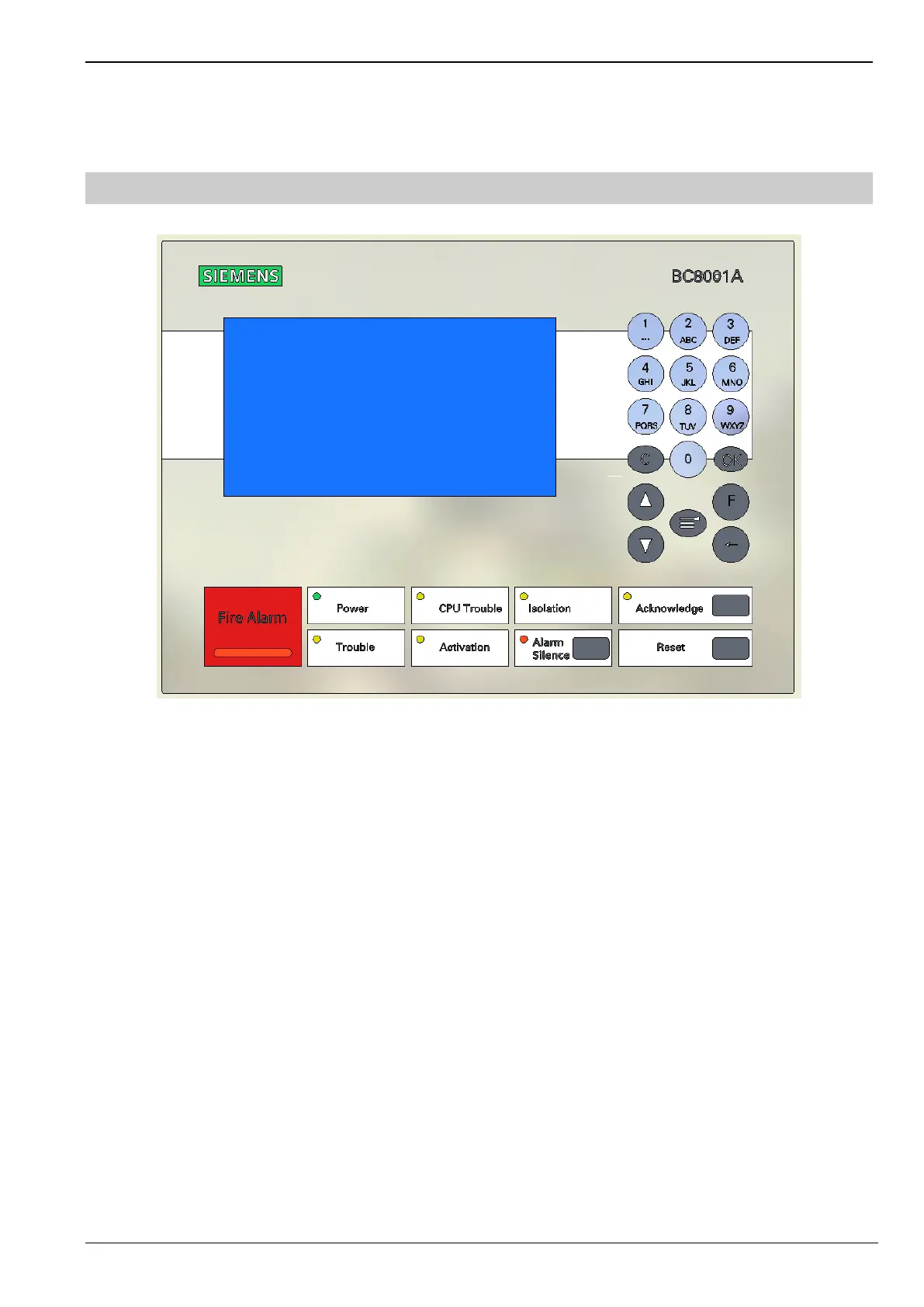
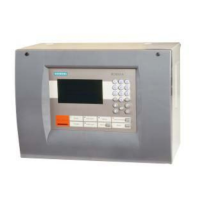
1. Interface Overview
① Number keys are used to input numbers, Chinese and English characters
② Cancel and return
③ Confirm and enter
④ Scroll up/down- use to navigate up or down to choose a specific entry from a list of information displayed on the screen
⑤ Function button
⑥ Move cursor
⑦ Main menu function
⑧ LCD screen display
⑨ LEDs: Fire Alarm, Trouble, CPU Trouble, Power, Activation, Acknowledge, Alarm Silence, Reset
⑩ Buzzer: BC8001A has 4 kinds of sounds, which are used to indicate fire, trouble, isolation and active.
⑦
②
①
⑤
④
③
⑥
④
⑨
⑧
⑩



 To Next Page