BC8001A Installation and Operating Instruction
Page 40/49
12.8 How to set buzzer volume
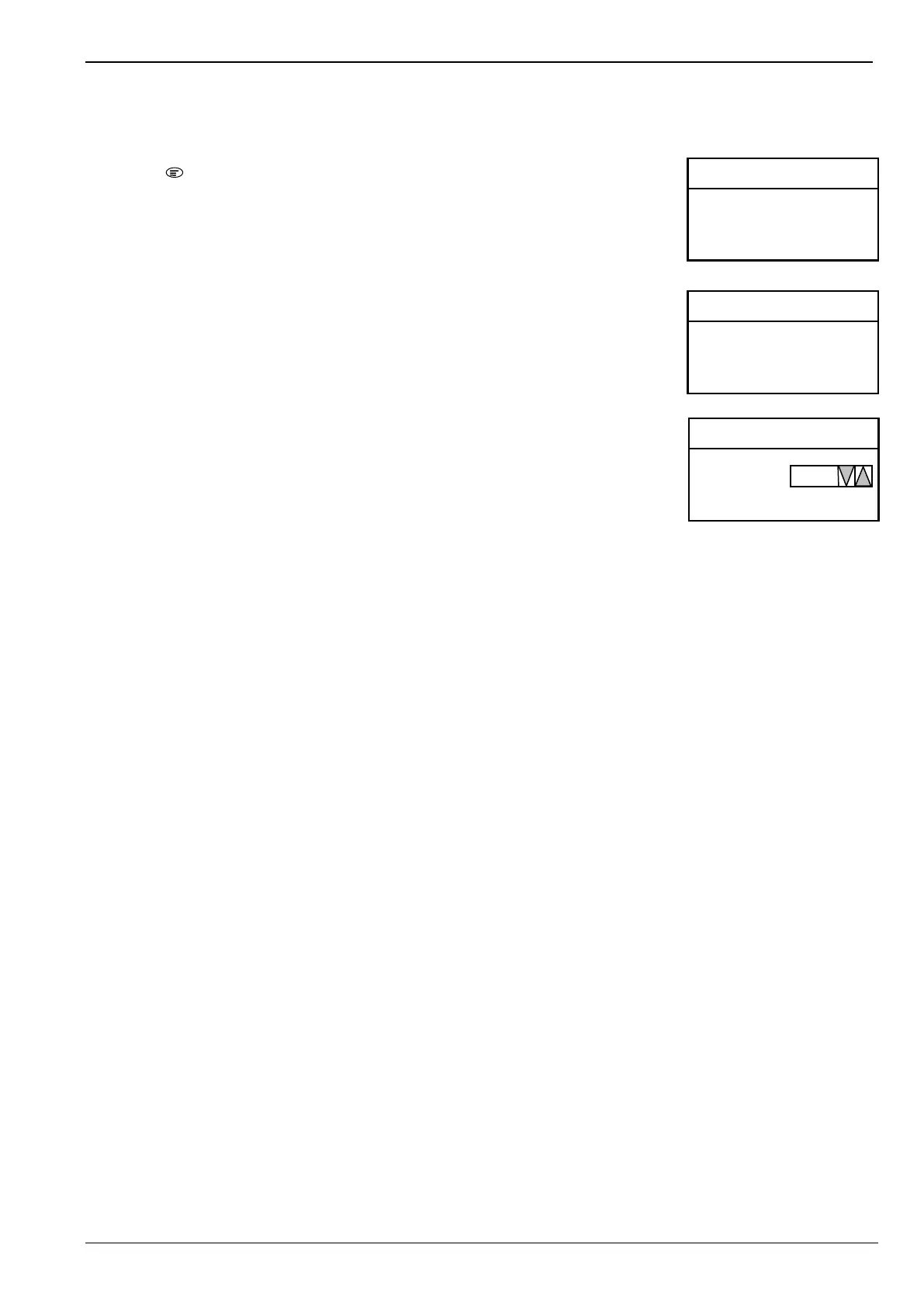
1. Press “ ” to enter main menu.
The main menu is displayed.
2. Press “↓” to choose “4.Configure” and press “OK” key.
Configure window is displayed.
3. Press “↓” to choose “4.Set Buzzzer Volume” and press “OK” key.
Current buzzer volume t is displayed.
4. Press “↓” or ”↑” to change the value.
“0” means buzzer is off; “1” means buzzer is on.
5. Press “OK” key to save modification and return to previous window.
<Main Menu> L 3 A
1. RT Information
2. History Record
3. Operation
4. Configure
< Configure> L 3 A
1. Configure
2. Set Time and Date
3. Set LCD Contrast
4. Set Buzzer Volume
<Set Buzzer> L 3 A
Use Up/Down



 To Next Page