Alarms, diagnostics, error messages and system
events
4
4.1 Status and error display
The PDC has LED displays for indicating the current operating state and the diagnostics status.
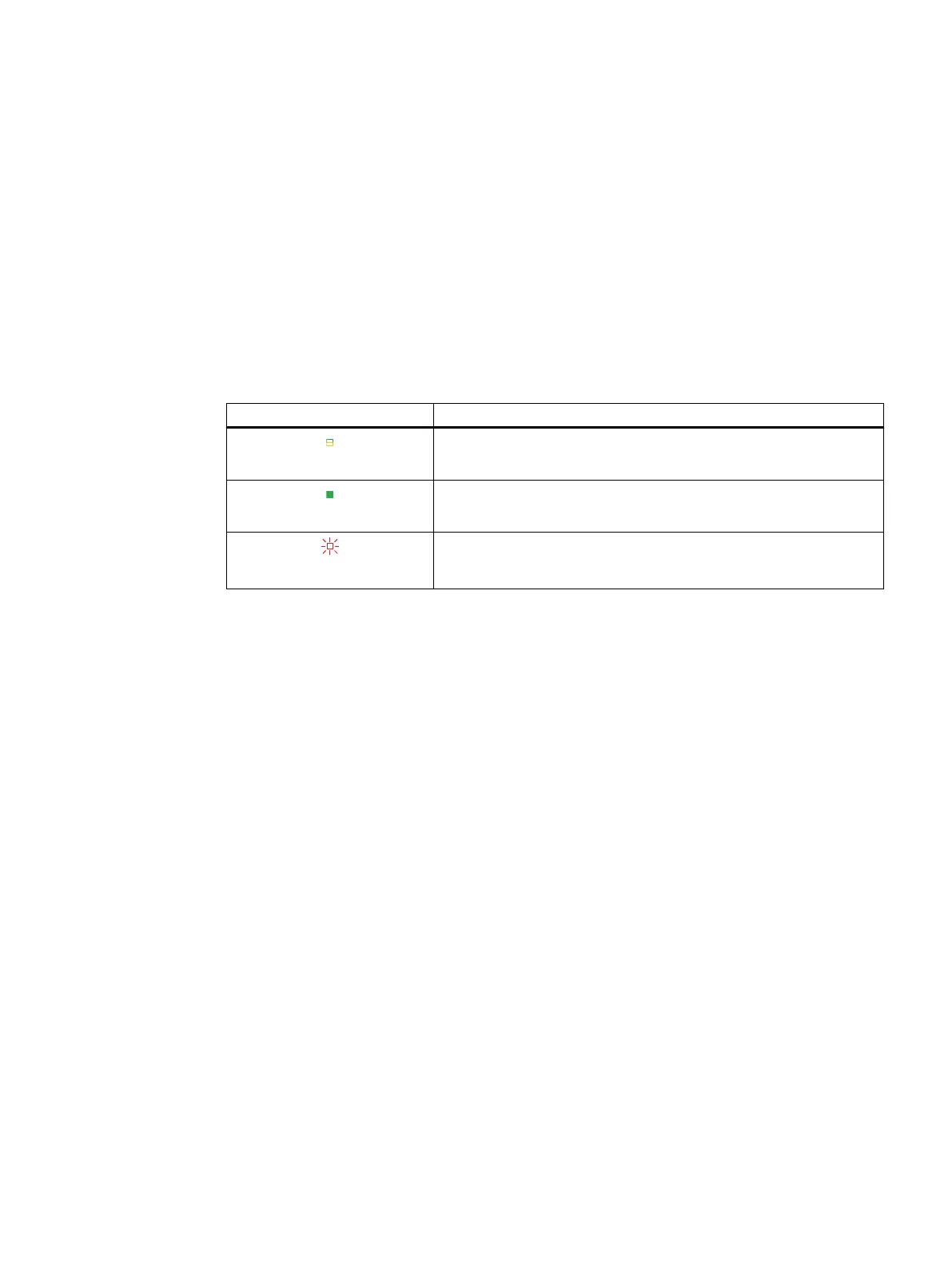
The "RDY/ERR" LED indicates the status of the drive state.
Table 4-1 Meaning of the LED
RDY/ERR LED Meaning
LED o
The drive is ready for operation.
LED lit green
The drive is in operation.
LED ashes red
There is an operating fault.
The "SAFE" LED indicates the status of the Safety Integrated functions. The LEDs assume
dierent statuses during startup. The displays of the LEDs operate independent of one except
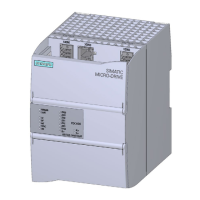
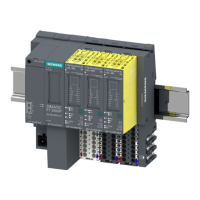
during rmware update. The gure below shows the various LED displays on the PDC.
PDC600(F)
Equipment Manual, 12/2023, A5E50502703-AB 31



 To Next Page