106 Settings
Resetting the Software to Default Settings (Through the Reset Button)
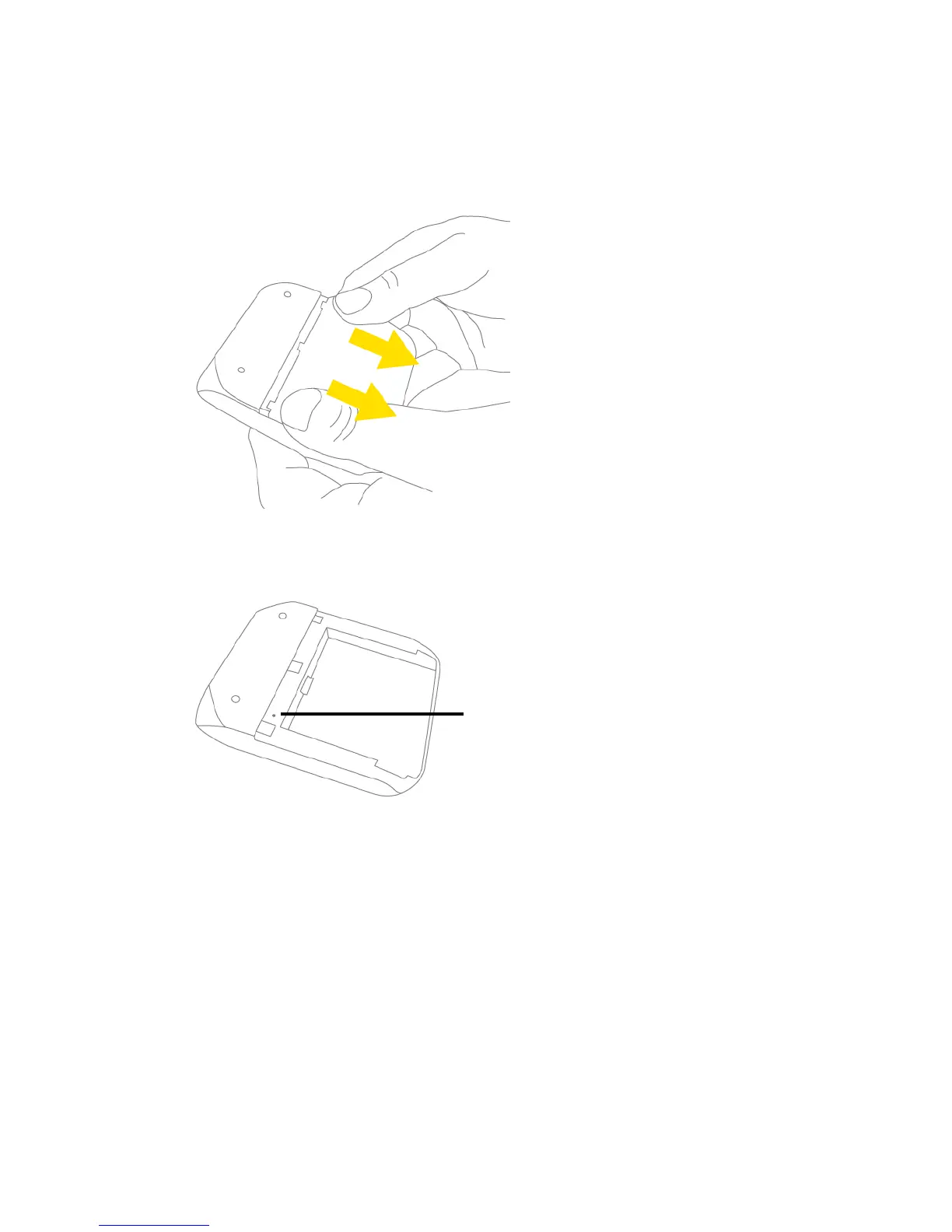
1. Remove the battery compartment cover from the device.
2. Find the small hole below and to the right of the battery compartment. The reset button is inside
this hole.
3. Insert a thin object (for example, the end of a paper clip) into the hole, and lightly press on the
bottom of the hole
for five or more seconds.



 To Next Page