Settings 107
Settings
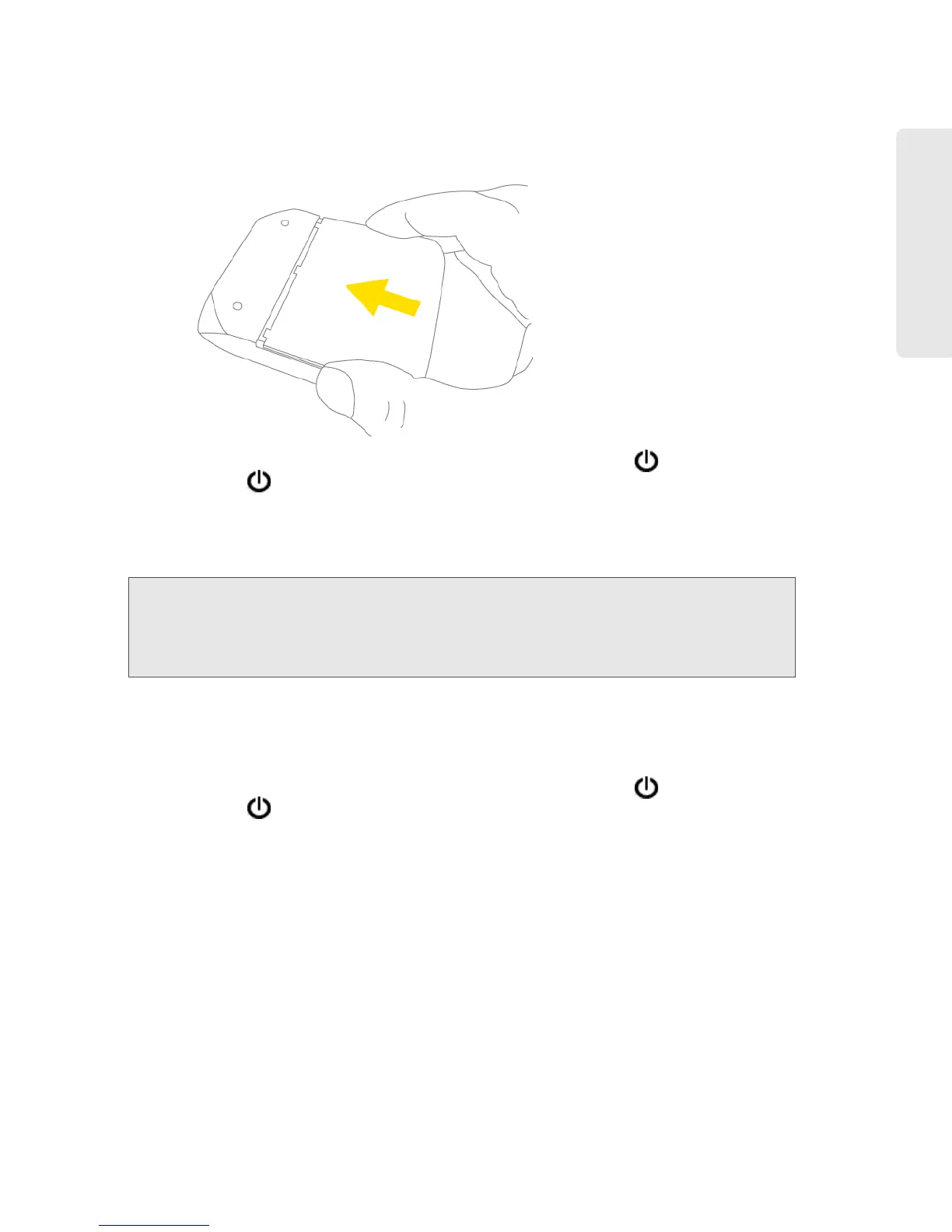
4. Replace the battery compartment cover.
5. Check the device LCD. If it displays “Reset to factory defaults? Press to accept,” press the
power button
on the device.
6. Follow the instructions on the device LCD.
Resetting the Software to Default Settings (Through the Browser Interface)
WARNING:
If you reset the software to default settings:
• You must go through the device setup (page 20), as if you’ve just purchased the device.
• Any changes you’ve made to the settings are lost.
Your 3G and 4G account information is not af
fected; after reset, the device remains
provisioned for service.
1. Log in to the home page.
2. Click Advanced settings > Router > Basic.
3. Click Router Settings Reset.
4. Check the device LCD. If it displays “Reset to factory defaults? Press to accept,” press the
power button
on the device.
5. Follow the instructions on the device LCD.



 To Next Page