Operating Manual SIGMA 4-15C, page 50 of 95
03/06
5.1 Selection, Display and Alteration of Program Parameters
The value of each area can be changed as follows:
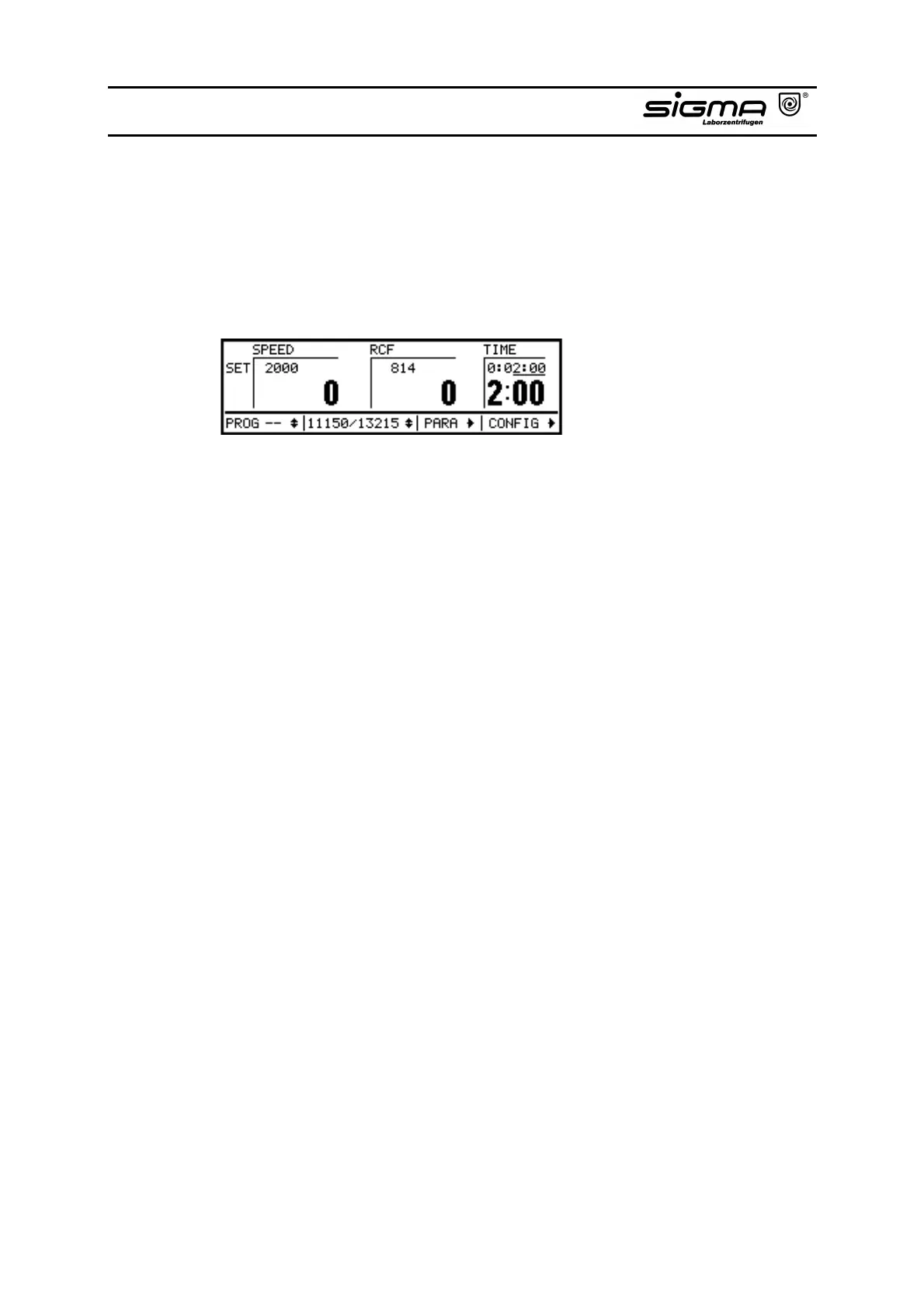
• This display shows the default values. No area is inverted.
Default values
• One area can be activated by pressing the knob once. It is then inverted.
Being in the selection mode now, you can select other areas by turning the
knob.
• Activate a selected area by pressing the knob. You are now in the alteration
mode, "SET" and the selected area are inverted.
• Select the new value of the selected area by turning the knob.
• Confirm the entry by pressing the knob. You then leave the alteration mode.
"SET" and the selected area are deactivated. The alteration mode is left
automatically after 20 seconds. The areas are no longer inverted, the actual
values are taken over.
• Now, you can select other areas by turning the knob or you can operate the
start key. Then, the centrifuge starts with the selected values.
Notice:
All entry limits are automatically checked. When reaching a limit, the counting
operation is stopped (refer to chapter 9.3 "Entry limitations").



 To Next Page