Operating Manual SIGMA 4-15C, page 53 of 95
03/06
5.1.2 Selection and Alteration of the Rotor Part Number
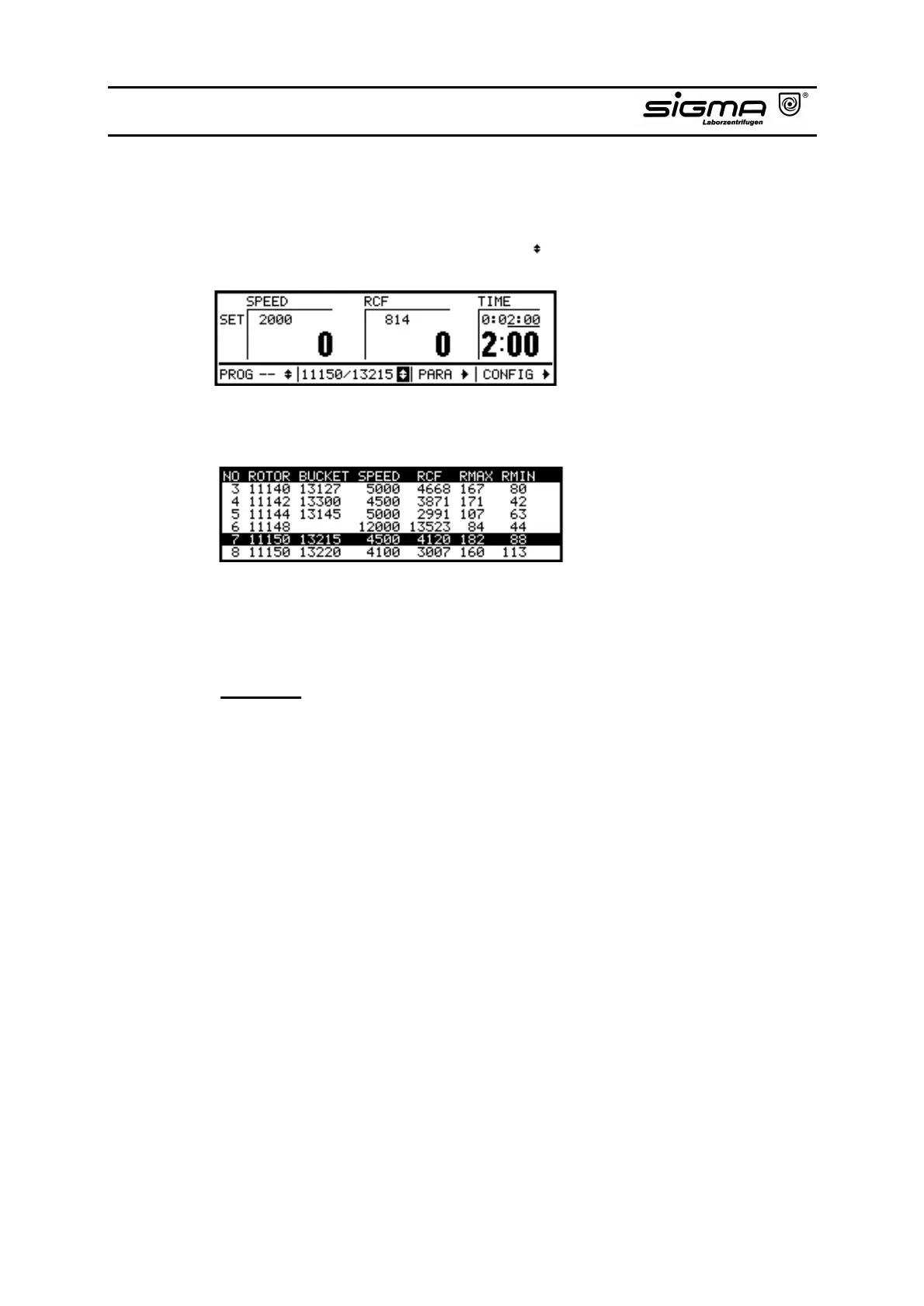
• Select the area of the rotor selection list ( ) by turning the knob.
• After pressing the knob, you get a view over all available rotor types.
Rotor selection list
• Select the number of the actual rotor/bucket combination by turning the knob
and confirm the entry by pressing the knob.
Attention: Please take care that the correct rotor/bucket combination is
entered as otherwise the max. allowable speed could be exceeded. This
is not allowed.



 To Next Page