22
The battery can be charged with BC-71 battery charger (optional).
(P.148)
The supplied AC adapter is provided for charging the battery. To operate
the camera on 100 VAC, please purchase the SAC-7P AC adapter set
(optional). (P.148) (P.149)
CHARGING THE BATTERY THROUGH THE COMPUTER
Connect the camera to a computer using the supplied USB cable.
The battery cannot be charged when the camera is turned on. Be sure to
turn off your camera before charging.
Be sure to connect the USB cable to the USB socket on your computer.
Do not connect it to the USB socket of a monitor, keyboard, or USB hub.
If the computer enters Sleep mode during charging, charging may be
stopped.
The time required to charge varies depending on the performance of the
computer.
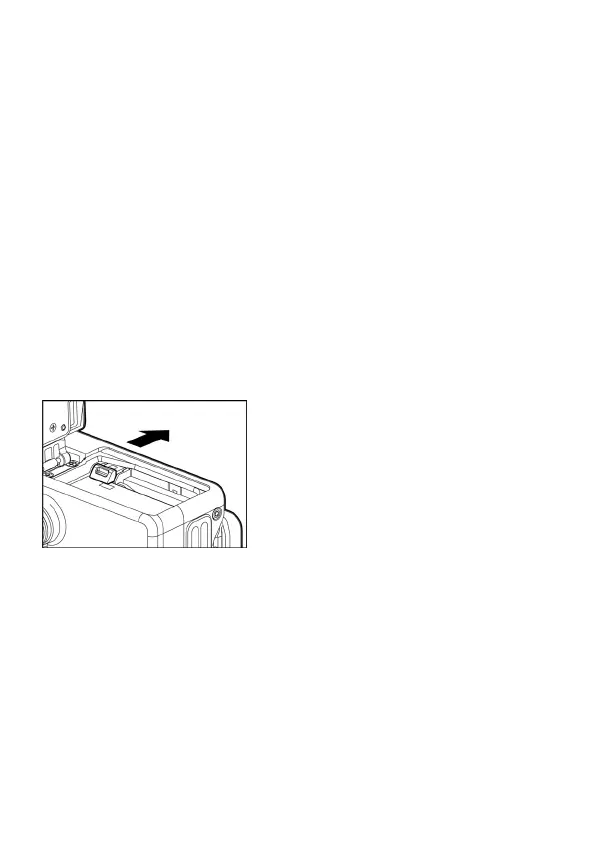
TO REMOVE THE BATTERY
Slide the battery compartment cover latch
and remove the battery.
WARNING
Do not remove the battery or memory card while the Busy Lamp is on or
flashing. Otherwise, the written data will be lost. This could also damage
the camera and/or memory card.



 To Next Page