28 User Manual
First print
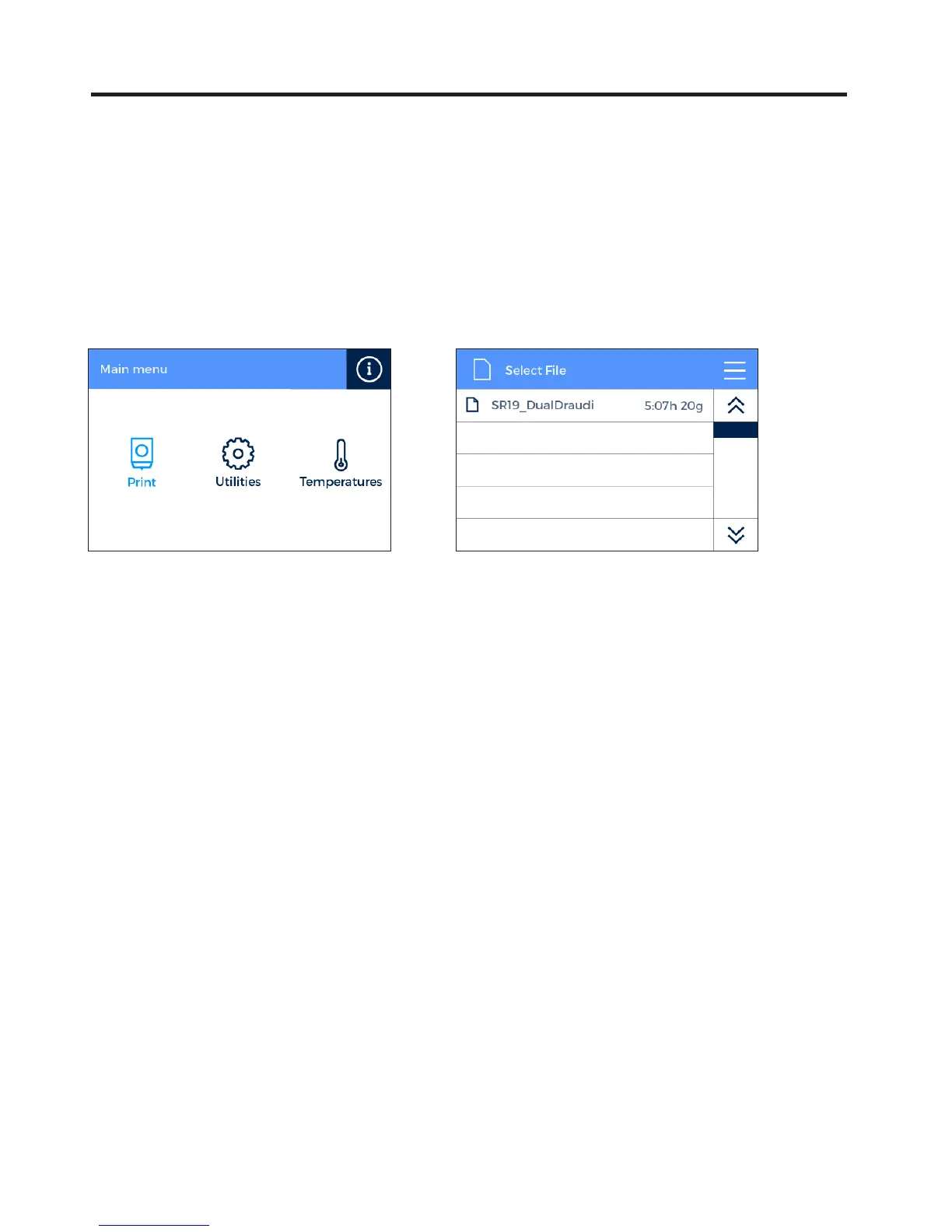
After the calibration process has been completed, you can access the printing menu. The first object you will print
with the Sigma R19 is the Draudi figure, as it will allow you to check that everything is working properly and you
are now ready to start printing your own objects. Make sure that the glass is clean, and apply a small amount of the
included glue stick. Learn how to usethe slicing software BCN3D Cura and how to print your own objects in the next
chapter.
Print --> Sample Parts --> Dual --> Dual Draudi --> SR19_DualDraudi


 To Next Page