Operation and maintenance
Clean and lubricate axes
Periodically, according to the Maintenance Alerts via LCD screen, it is recommended to clean and grease the axes of
the Sigma with the lubrication kit to ensure smooth and precise performance of its mechanical components.
Follow these steps:
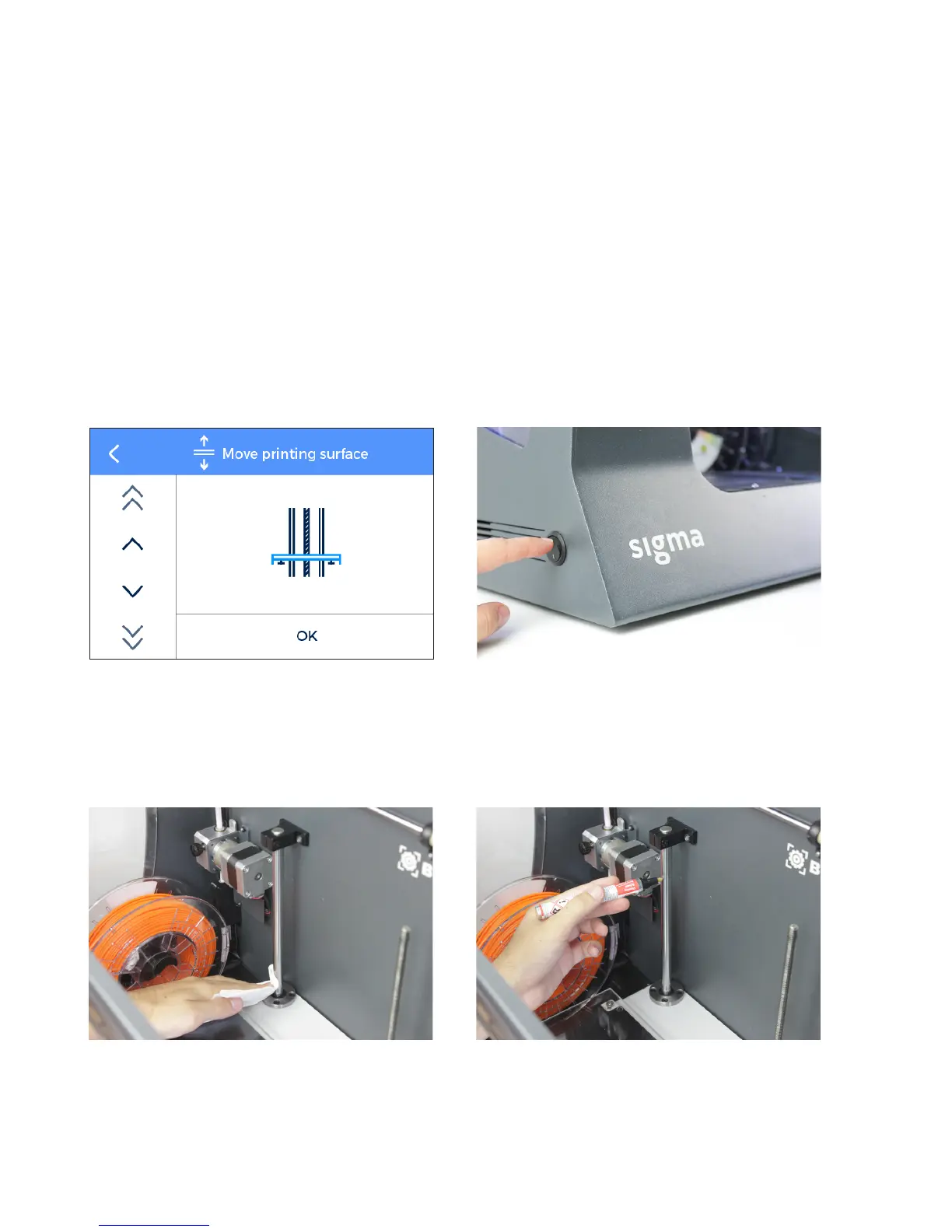
1. From the LCD screen, go to Utilities --> Maintenance --> Move printing surface. Lower the platform to the lowest
position to work more comfortably. Then turn off the machine
2. With absorbent paper or a cloth, remove any trace of dirt or dust at the two Z shaft bars. Next, clean the shaft
bars with the solvent pencil, making sure that it does not drip. Clean again the shaft bars with paper or a cloth.
44 User Manual


 To Next Page