User Manual 29
Starting out with BCN3D Cura
Your first dual print
BCN3D Cura is a free and easy-to-use 3D printing software that prepares your digital model for 3D printing. Such
a complex process has been carefully optimized and tested for BCN3D products. As a result, the user enjoys a
flawless 3D printing experience while increases the reliability of the process.
BCN3D Cura takes profit easily of all the benefits of IDEX system: simply merge multi-material or multi-colour
models or generate customized support structures. It includes validated printing profiles to increase the printing
success rate.
Visit https://www.bcn3dtechnologies.com/en/3d-printer/bcn3d-cura/ and download the suitable version of BCN3D
Cura for your Operative System. Once downloaded, follow the installation wizard.
1. Open BCN3D Cura previously downloaded and installed.
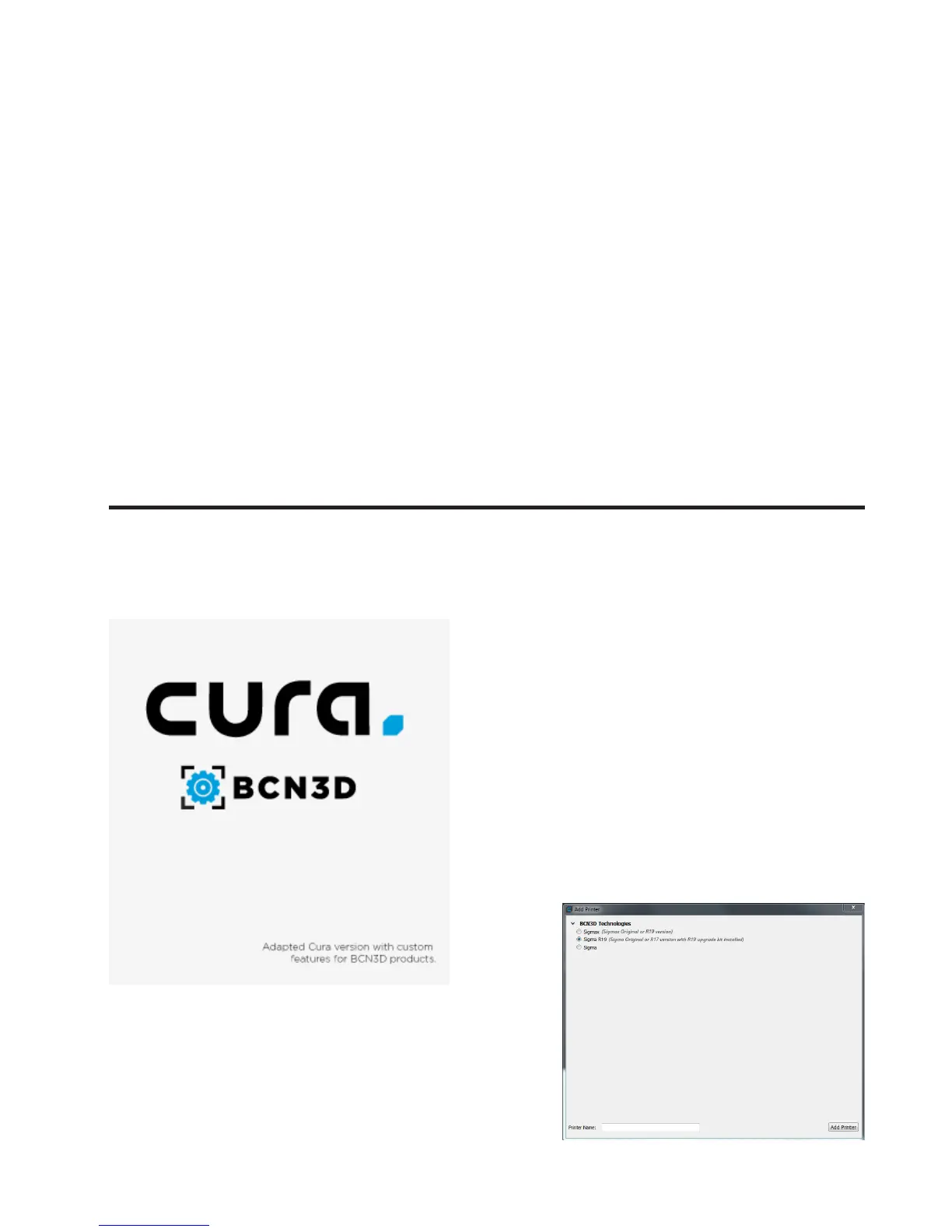
2. Select Sigma R19 R19 in
the menu Add printer.


 To Next Page