13INSTALLATION
ENGLISH
INSTALLATION
Preparing for Installation
The following installation instructions describe the
installation steps for various appliance types:
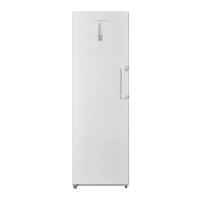
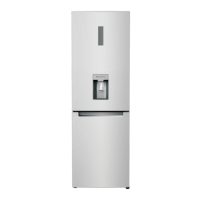
• Refrigerator units with water dispenser
• Freezer units with icemaker
• Integrated refrigerator and freezer units with
water dispenser and icemaker
The diagrams may be a general representation of
your appliance.
Particular reference is made to special installation
steps for individual appliance types.
Unpacking
• To avoid serious injury or product damage:
- DO NOT open appliance door unless the
product is secured against tipping.
- The appliance is very heavy and is prone to
tipping if not secured.
- To avoid injury, use 2 or more people and
proper lifting techniques when lifting or
moving the appliance.
Check appliance for damage in transit.
Do not install the appliance if it is visibly damaged.
If in doubt, contact your dealer.
1 Remove the packaging carton, being careful
not to damage the surface of the appliance.
2 To avoid floor damage, place packaging
cardboard or plywood under the appliance.
3 Remove accessories on the sides and
underneath the appliance.
4 Installation Preparation
Unpack installation materials and accessories.
5 Remove shipping brackets a and lift the
appliance off the pallet.
• To avoid damaging parts, do not remove the
protective shipping materials inside the
appliance until the installation is complete.
• The appliance is very heavy. Use two or more
people when lifting or moving the appliance.
en-us_main.book.book Page 13 Monday, January 16, 2023 5:19 PM



 To Next Page
 Loading...