AFTER SALES SUPPORT
1300 7 77 137
service@unclebills.com.au
MODEL: EA2476 PRODUCT CODE: 715222 03/2024
23
INSTRUCTIONS (CONT.)
IR LED: Select the desired brightness of the LEDs. Choose from ‘Auto’, ‘Medium’, ‘Low’
or ‘Off’.
Low Bat Night Shot: Select between ‘No IR Led’ which allows the camera to take
photos and videos without activating the LEDs at night when the battery power is
low, or, ‘No shutting’ which prevents the camera from taking photos or videos at
night.
Monitoring Period: If you only want the camera to monitor an area during a specific
time, you can do so from this menu. Select ‘On’ and press the OK button to confirm.
You can set up to two timers. Scroll down to select the timer option (Timer 1 Start,
Timer 1 Stop, Timer 2 Start, Timer 2 Stop) and follow the on-screen prompts to set the
start and finish times for one or both timers.
NOTE: The camera will not be triggered and will not take any photos or videos
outside of the time period/s set.
Frequency: The default setting is 60Hz. The alternative frequency setting is 50Hz. It
is recommended to use 60Hz for Australia. If you are using the Wildlife Camera in a
country other than Australia, select the frequency for that country.
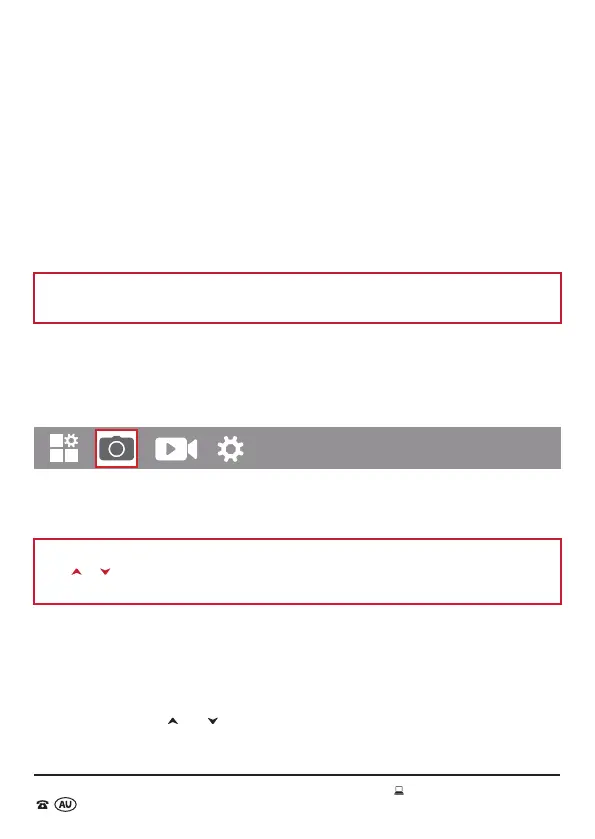
Photo Settings Menu
Image Size: Select the desired photo resolution. You can choose from 20M (5888 x
3312), 16M (5376 x 3024), 12M (4608 x 2502), 8M (3840 x 2160), 5M (2960 x 1664), 2M
(1920 x 1088).
NOTE: If 2M and 5M are the only selections visible on the viewing screen, please use
the
or buttons and then the other image resolution options will be visible for
selection.
Higher resolutions provide better images (photos), however, use more space on your
micro SD card. The selected photo size (resolution) will be displayed as 2M, 5M, 8M,
12M, 16M, or 20M on the top centre of the viewing screen, while in photo mode. We
recommend using the default resolution ‘5M’.
Picture No.: Select the number of photos (choose from 1 photo up to 10 Photos) to be
taken in succession when the Wildlife Camera is triggered in the ‘Photo’ or ‘Photo +
Video’ mode. Use the
and buttons to scroll between 1 to 10 photos.
Shutter Speed: Select from 1/15, 1/20 and 1/30



 To Next Page