Operating manual - English BRAVO MAXIMA II
Copyright Silca 2011 13
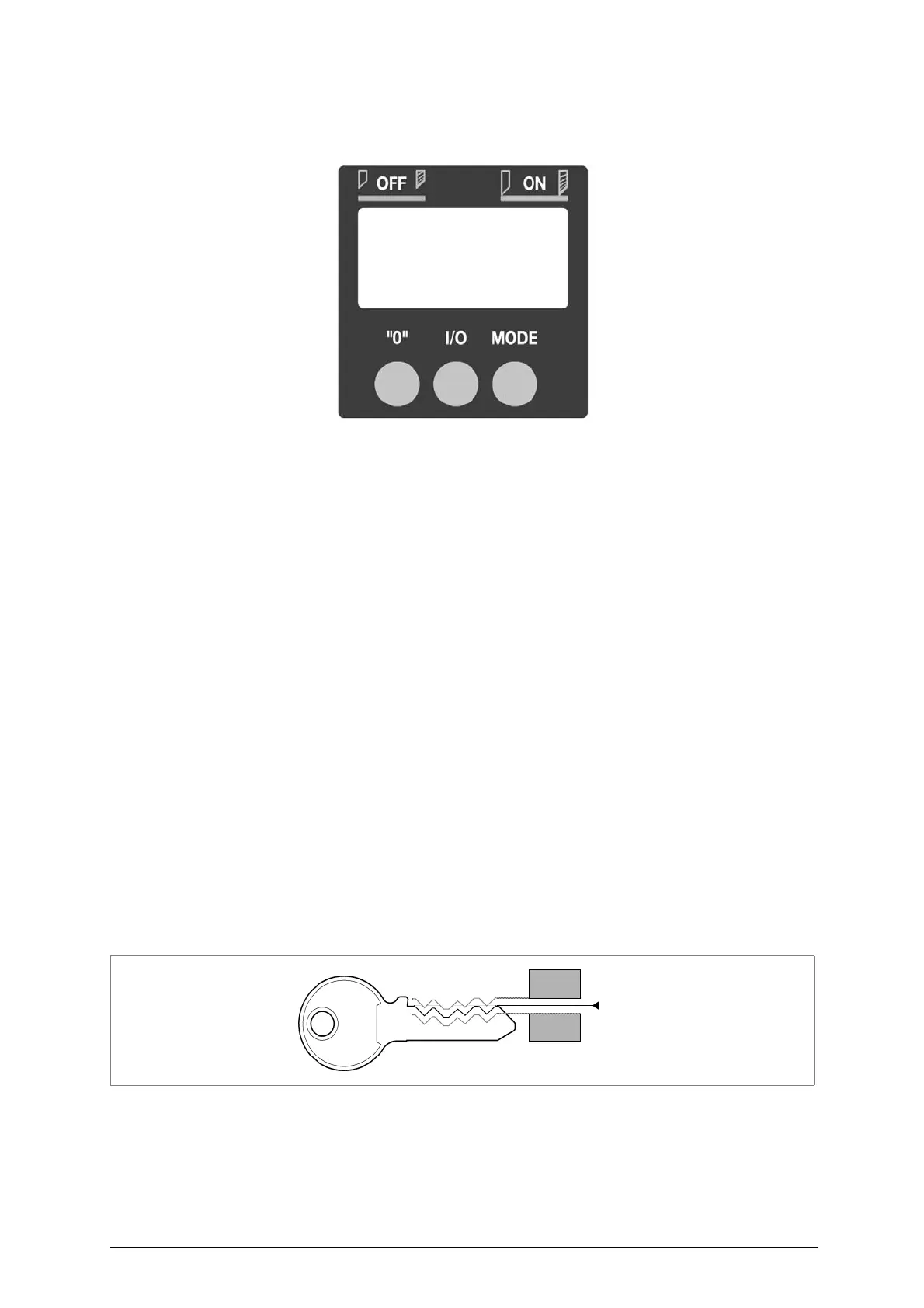
5.8 Display functions
Fig. 10
I/O key
: press for about 1 second to power the display (if off) or turn it off (if on).
0 key
: press for about 1 second to zero the tracer point position. E.g. if the machine
has already been gauged, but the cutting depth requires alteration (increasing
or decreasing values), loosen the screw (J) and adjust the ring nut (O) The
display will show the value (positive or negative), expressed in hundredths of
a millimetre (or thousandths of an inch) (fig.11); a mm scale goes to +/- .99
then passes to 1.00, when the value on the display will flash. The value can
no longer be altered because such a big adjustment is not allowed.
MODE key
: activates the "
Electric contact
" (ch.5.11 Gauging by electric contact).
When this key is pressed (with display on) one of the following phrases
appears:
-
OFF
indicates no electrical contact.
-
ON
indicates electrical contact.
MODE key+ 0 key
: press simultaneously for about 3 seconds (display on) to change the
measurement scale (mm or inches), which will go from .00 (for mm scale) to
.000 (for inch scale) or vice versa, according to the conditions on the display.
BATTERY SYMBOL
: when this appears on the display, it indicates that the display unit battery is
down and must be replaced (ch.7.18, page 33).
OFF
: automatically switches off the display about 3 minutes after switching on or
from the last movement shown.
(Restart electrical contact by pressing the I/O key).
Fig. 11



 To Next Page