13
422348-Evolution ST350-Instruction manual-usa-rev01_AN
Treatment screens description
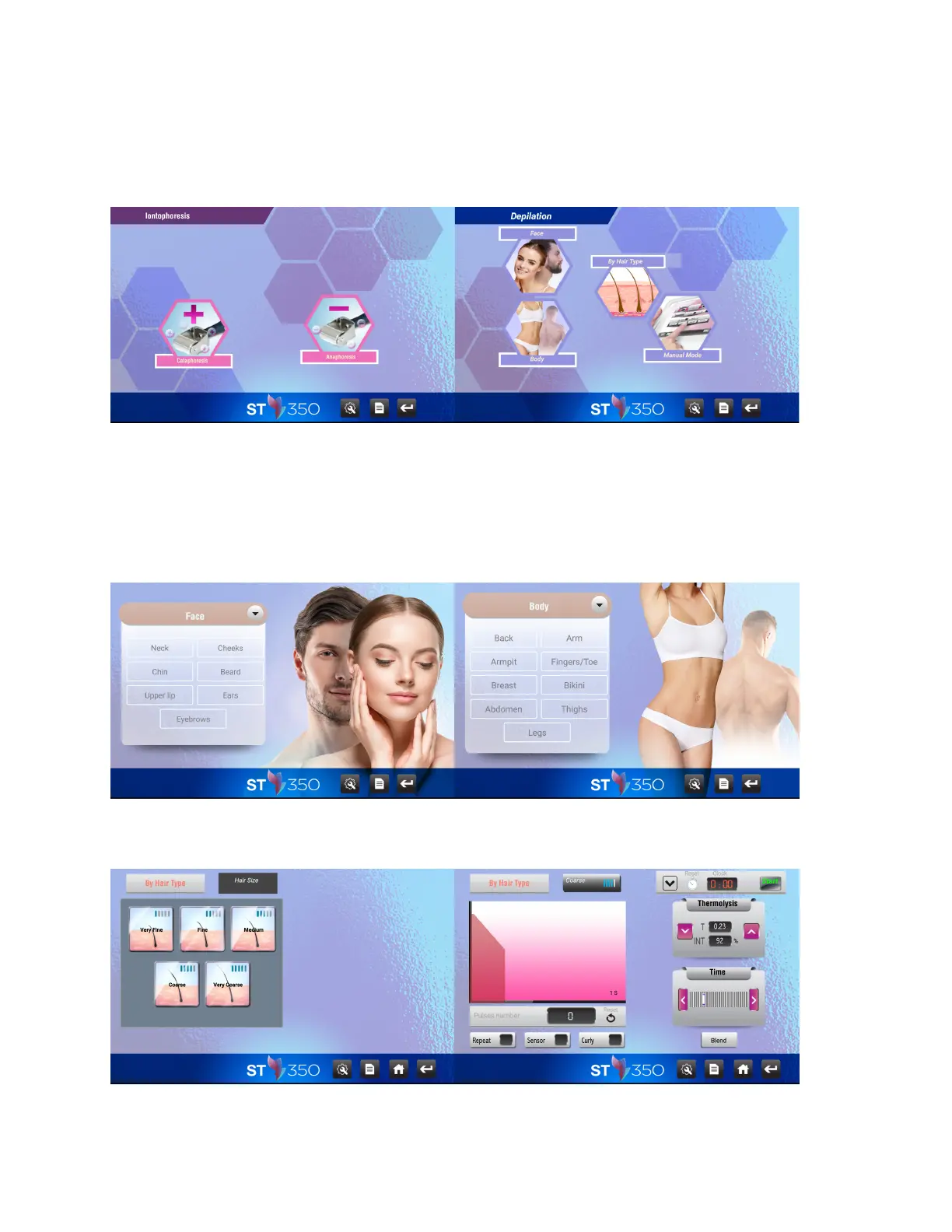
4 SELECTION BUTTONS ARE AVAILABLE IN « DEPILATION » PROGRAM “FACE”, “BODY” OR “BY HAIR TYPE’’
AND “MANUAL MODE”:
“Face” or “Body” icon will bring up all face or body areas to be treated. Select treatment zone by pressing the
desired area.
The “By Hair type” icon selects generic intensity settings based on hair size.



 To Next Page