15
422348-Evolution ST350-Instruction manual-usa-rev01_AN
06. Treatment screen
WARNING: Never touch the screen with the probe.
Note: before any treatment verify if all jewelleries are removed.
DEPILATION PROGRAMS
Area to select: Face / Body Programs
The user can select the specific “Face” or “Body” area to be treated by simply pressing the desired area.
Each area to be treated has specific waveforms and modulation programs designed for its own sensitivity and
degree of difficulty. A fine hair on the chin does not respond the same way as a fine hair on the upper lip. These
programs insure maximum comfort for the client. When selecting a new treatment area, the unit will display the “hair
type” icons. Choose the type of hair by pressing on the corresponding picture: “Very Fine”, “Fine”, “Medium”,
“Coarse”, “Very coarse”.
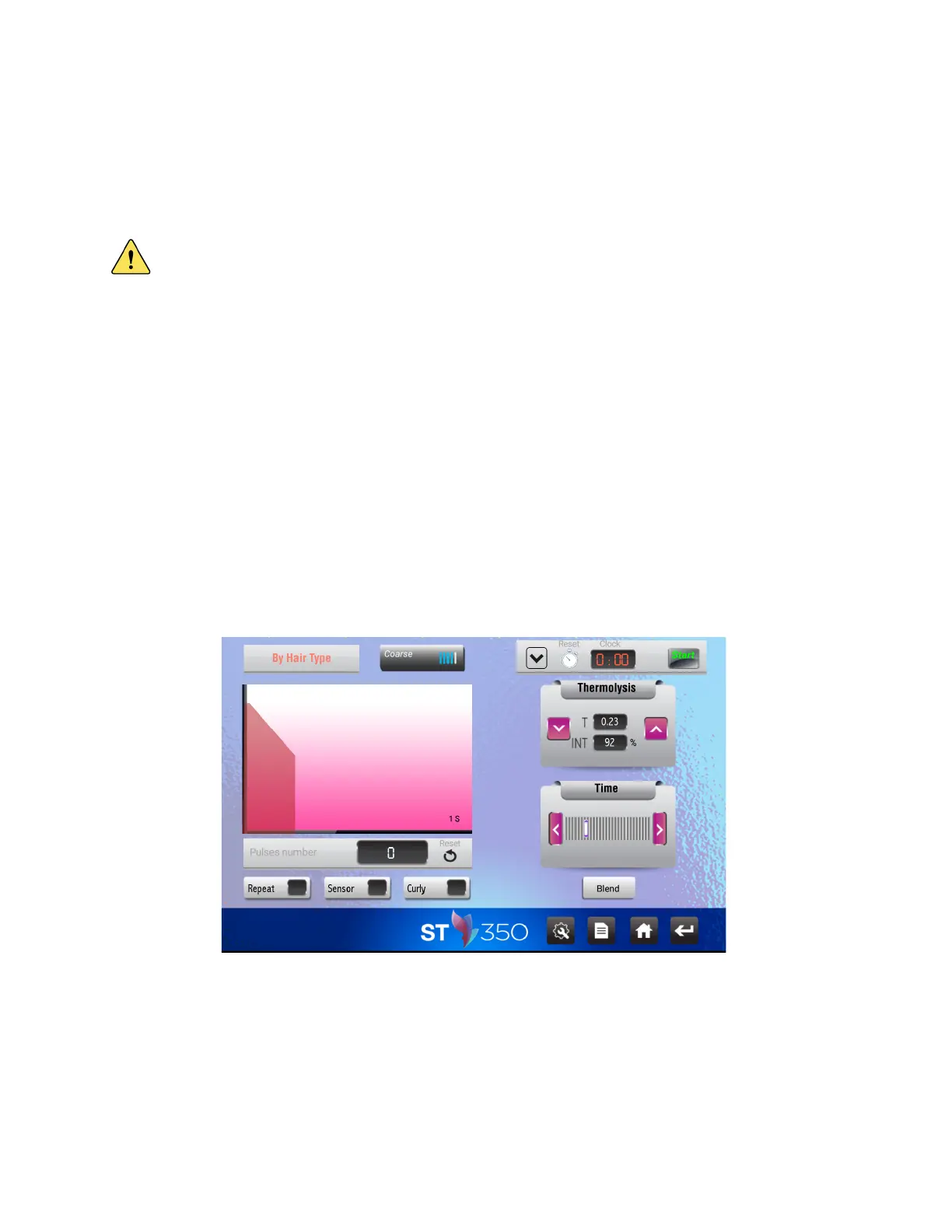
The example below shows following selection sequence:
• Depilation / Face / Chin / Very coarse / Blend;
To select a different hair type while staying in the same area, simply press the hair icon.
When treatment parameters are displayed on the screen, you’re ready to start the treatment.



 To Next Page