23
422348-Evolution ST350-Instruction manual-usa-rev01_AN
CAUTION:
• NEVER use the roller directly on the skin (without gel).
• For roller maintenance clean all gel residues on the roller after each use.
• Use bactericidal wipes to disinfect the roller.
The treatment should be soft and comfortable.
The client can fill only a slight tingling or cooling sensation.
A tingling sensation can be also perceived under the roller electrode (make sure that the contact electrode is covered
by a wet gauze).
Recommended intensity settings for “Cata” mode (after electrolysis):
• For Face: 0.30 mA to 0,80 mA
• For Body: 0,80 mA to 1,50 mA
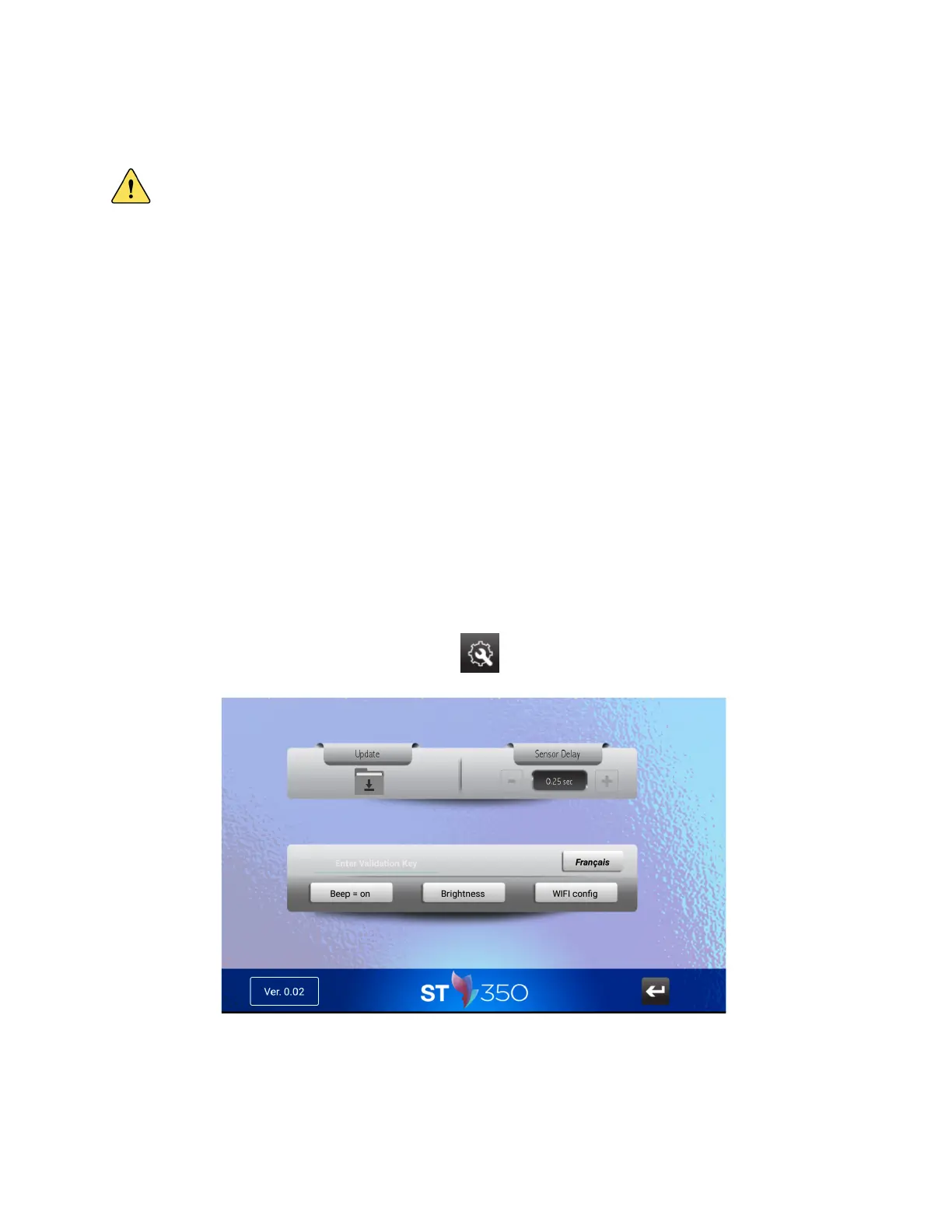
07. System Screen Configuration
Configuration screen is accessible by pressing “TOOL” icon.
All operating parameters can be modified to suit your needs



 To Next Page