14
422348-Evolution ST350-Instruction manual-usa-rev01_AN
2 Selection buttons are available in “Soothing phase” program (Ana / Cata): Refer to section Soothing Phase.
The “TOOL’’ key on the bottom left of the screen, is a configuration key that enables system’s setting
parameters, such as modifying screen brightness, beep sound insertion delay and language.
The “Back’’ key (arrow pointing to the left) will bring up the previous screen.
The ‘‘Book’’ key located in the lower part of the screen allows you to access the complete instruction manual
during your treatment if necessary
PERFORMING A TREATMENT
Select “Depilation”
• “Depilation”: select the treatment area: “Face” or “Body”. If you wish, you can access generic programs
“By Hair Type”. Note that these last programs are less comfortable than “Face” or “Body” programs or
“Manual Mode”. Than select the surface to treat. To start the treatment, refer to section Depilation.
• For more details on “Iontophorese”, refer to corresponding section.
• You are now ready to work.
TURNING THE UNIT OFF
• Use the power button located at the back.
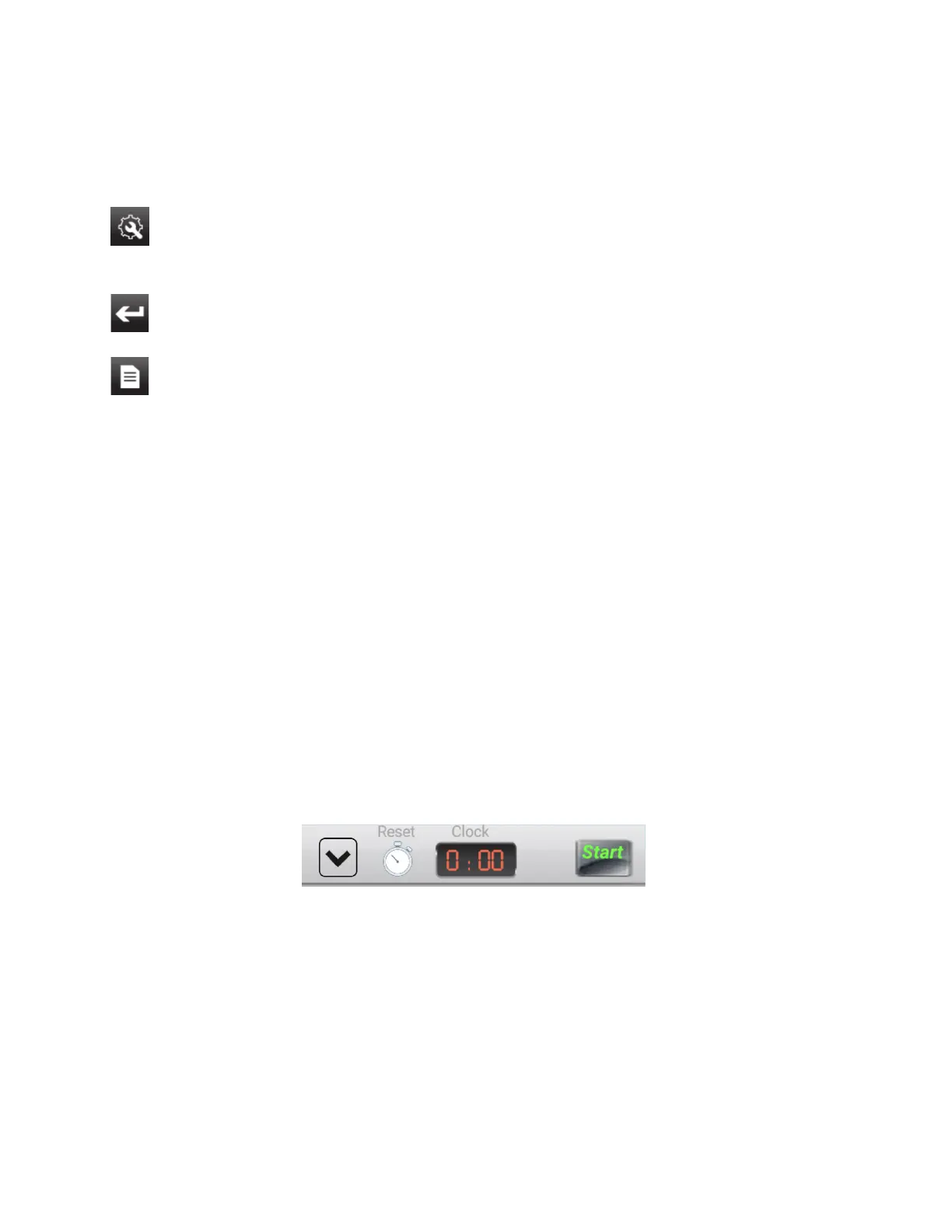
Reset the unit between two clients:
You will find the «RESET» window at the top right of the processing screen
By selecting it, time automatically resets to zero.



 To Next Page