18
422348-Evolution ST350-Instruction manual-usa-rev01_AN
PROCESSING TIME
You have the possibility:
1. Either to work in real time mode (that is to say by predefining the prerequisite treatment time for the session, the
area and the type of hair).
The selection of this mode is then made on the control screen (key).
2. Either work in continuous time mode (can be used as a stopwatch - count from zero upwards) to keep track of
the time spent with the client, that is to say, you let time run out. Run out and stop when you want).
The setting of this mode is then made on the treatment screen.
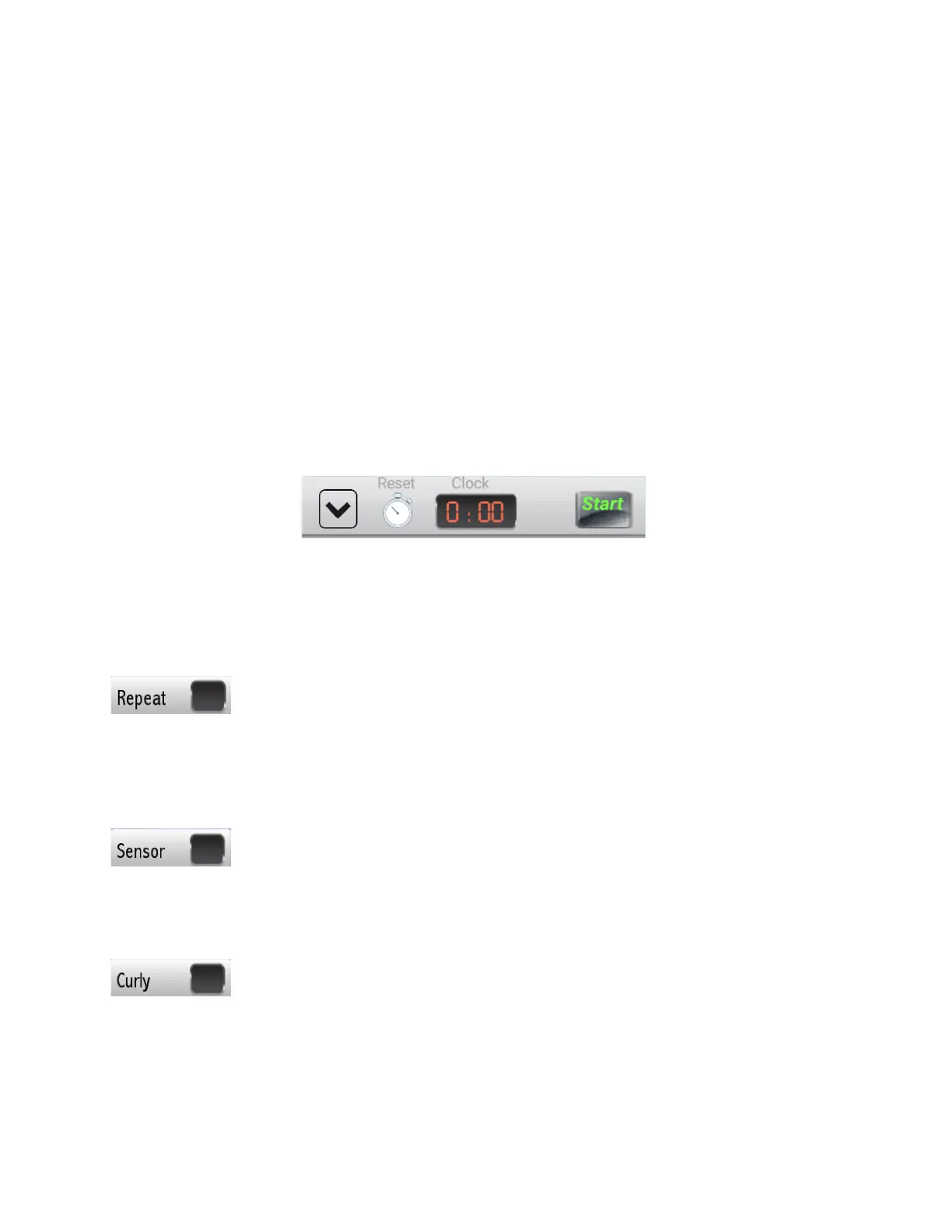
At the top right, press «start» to start the stopwatch, «stop» to pause and «reset» to reset.
A- OTHER TREATMENT PARAMETERS:
‘‘Repeat” key can be used to repeat the modulation wave up to 3 times without re-inserting the needle or having to
activate the pedal. Pressing this key will increment the repeat count to 1.
Pressing once again will reset it back to zero. Zero means that the modulation wave will discharge once.
A “Repeat 1” will discharge once and then repeat.
‘‘Sensor” key is used to select the “Insertion Delay” “On”/ “Off”. The blue color confirms that the “Insertion delay”
function is “On”. When the sensor key is activated, (blue color) the current will automatically flow upon detecting
insertion. When Sensor is “Off” (black color), the current must be activated with the pedal.
‘‘Curly” key is used to provide extra bursts of energy when working with difficult or distorted hair follicles. Blue color
confirms that function is ON, black color means that function is OFF.



 To Next Page